194412(11) - Hill-Rom® 900 Accella™ Bed - Instructions For Use Page 57
Mobilizing the patient
SmartCare™ system*
The SmartCare™ system (MediaScreen Solution powered by Télécom Santé) sends
informations to caregivers (see “List of information that can
be sent by Wi-Fi” page 55).
Refer to the SmartCare™ system Instructions for Use for more detailed information about
the use of this system.
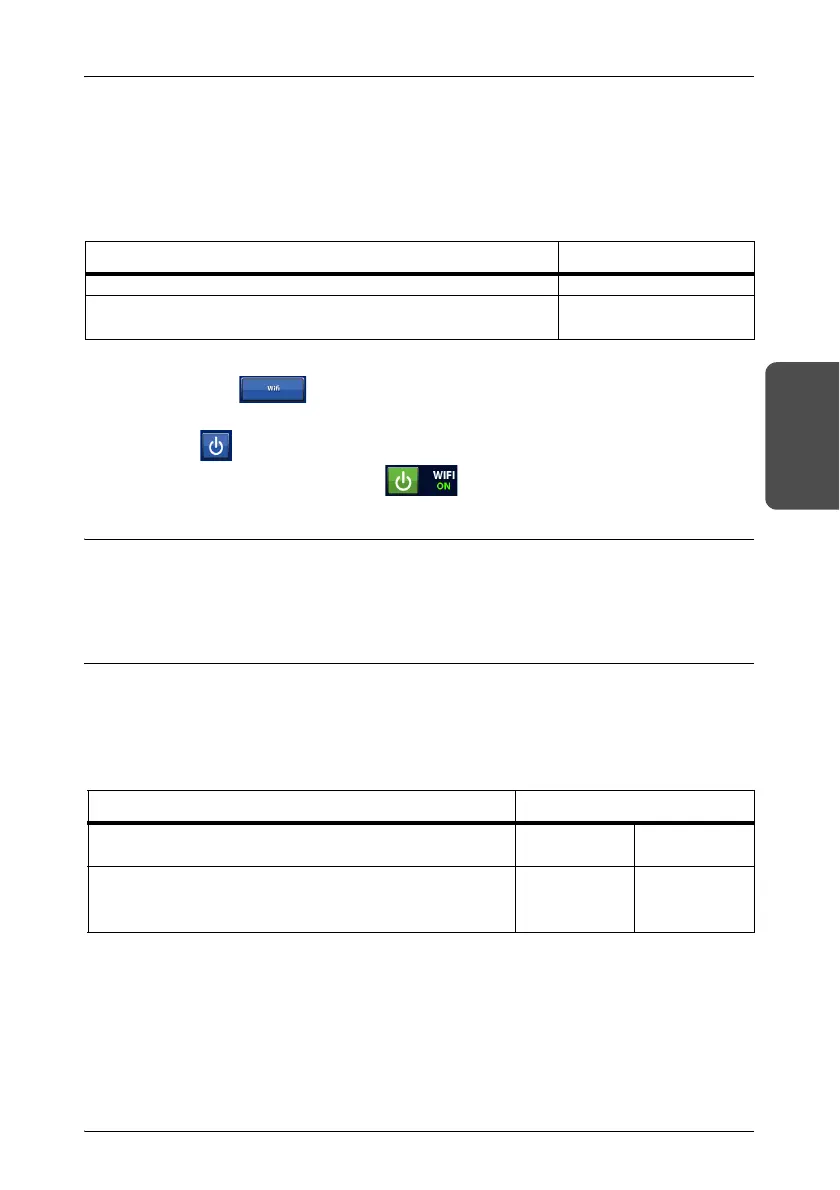
Features Value
Frequency bands in which the radio equipment operates 2,4 GHz canal 1 to 13
Maximum radio-frequency power transmitted in the
fr
equency bands in which the radio equipment operates
<13 dBm
1. Press Parameters on the GCI.
2. Press Wifi.
3. Select the network.
4. Press
to activate the Wi-Fi connection.
5. The Wi-Fi connection is active
6. Follow the information system supplier’s instructions to pair and couple the bed.
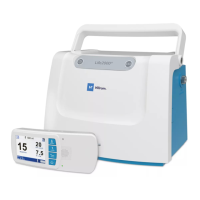
NaviCare® system*
NaviCare® is a system used to connect and check
Hillrom™
beds and mattresses. It sends
alerts to caregivers. Refer to the NaviCare® system Instructions for Use for more detailed
information about the use of this system.
SmartSync™* or Hillrom™ Digital Health Gateway
The Hill-Rom SmartSync™ connectivity system or the Hillrom™ Digital Health Gateway
enable caregivers to receive information (see “List of information t
hat can be sent by Wi-
Fi” page 55). Refer to the SmartSync™ or Hillrom™ Digital Health Gateway user
instructions for more detailed information about the use of this system.
Features Value
Frequency bands in which the radio equipment
operates
2,4 GHz 5 GHz
Maximum radio-frequency power transmitted in the
fr
equency bands in which the radio equipment
operates
<17 dBm <20 dBm











 To Next Page