Chapter 1 Introduction | Hillstone
Hillstone SG-6000 E-Series Hardware Reference Guide
External power adapter connects to the external AC power supply.
For instructions on how to replace power supply modules, refer to Installing and
Removing the Power Supply Module.
Table 1-34: Power Supplies of All Product Models
SG-6000-E6368
SG-6000-E6360
SG-6000-E6168
SG-6000-E6160
SG-6000-E5568
SG-6000-E5560
SG-6000-E5268
SG-6000-E5260
SG-6000-E5168
SG-6000-E3965
SG-6000-E3968
SG-6000-E3960
SG-6000-E3668
SG-6000-E3662
SG-6000-E2868
SG-6000-E2860
SG-6000-E1100
(WLAN version)
SG-6000-E1100
(4G version)
SG-6000-E1100
(WLAN+4G
version)
Power Module
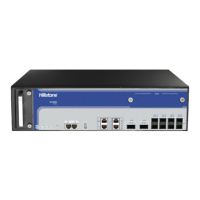
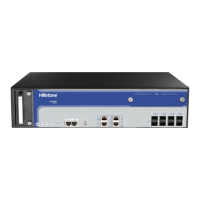
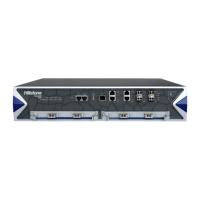
Hillstone designs a model of pluggable module for SG-6000-E6368, SG-6000-
E6360, SG-6000-E6168, SG-6000-E6160, SG-6000-E5960, SG-6000-E5760, SG-
6000-E5660, SG-6000-E5268, SG-6000-E5260, SG-6000-E5168 and SG-6000-
E3965. Both AC and DC power modules are available. You can choose the power
type at your own choice.



 To Next Page