.
(1)
Presence of expansion J1939 detected
(2)
Presence of Second Zero detected.
(3)
Without associated switching modules.
(4)
The presence of external gauge expansion detected.
11.3.1. CUSTOMISING THE PROGRAMMABLE ALARMS TEXT
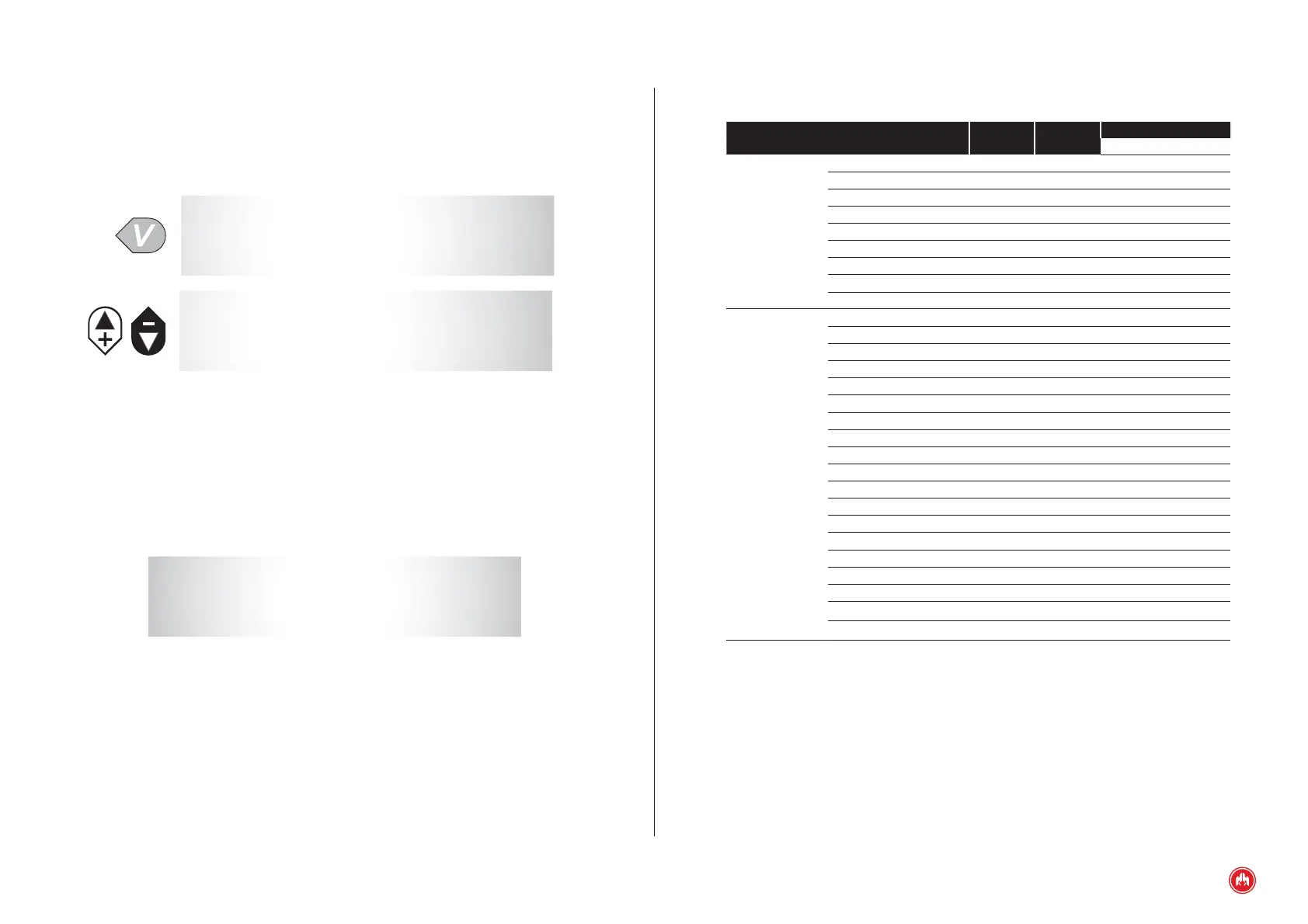
We can associate a text to the programmable inputs, maximum 15 characters.
The control unit has an alphabet A-Z and numbers 0-9.
* * * * TEXTS * * * *
à
1 . PROGRAMMABLE 1
2 . PROGRAMMABLE 2
q
3 . PROGRAMMABLE 3
* * * * TEXTS * * * *
à
4 . SCREEN
q
From the programming texts option of the control unit it is possible to customise
the texts associated with the programmable alarms.
11.3.2. CUSTOMISING THE MANUFACTURER'S SCREEN
From the programming texts option of the control unit it is possible to customise
the manufacturer's screen.
H I M O I N S A
3 0 7 3 0 S A N J A V I E R
M U R C I A ( S p a i n )
T l f . + 3 4 9 6 8 1 9 1 1 2 8
11.3.3. SCREEN
From the screen parameters menu it is possible to set the display operation of
the generator set's control unit.
The congurable parameters refer to the Screen table.


 To Next Page