AIS Setup (Only HM390S)
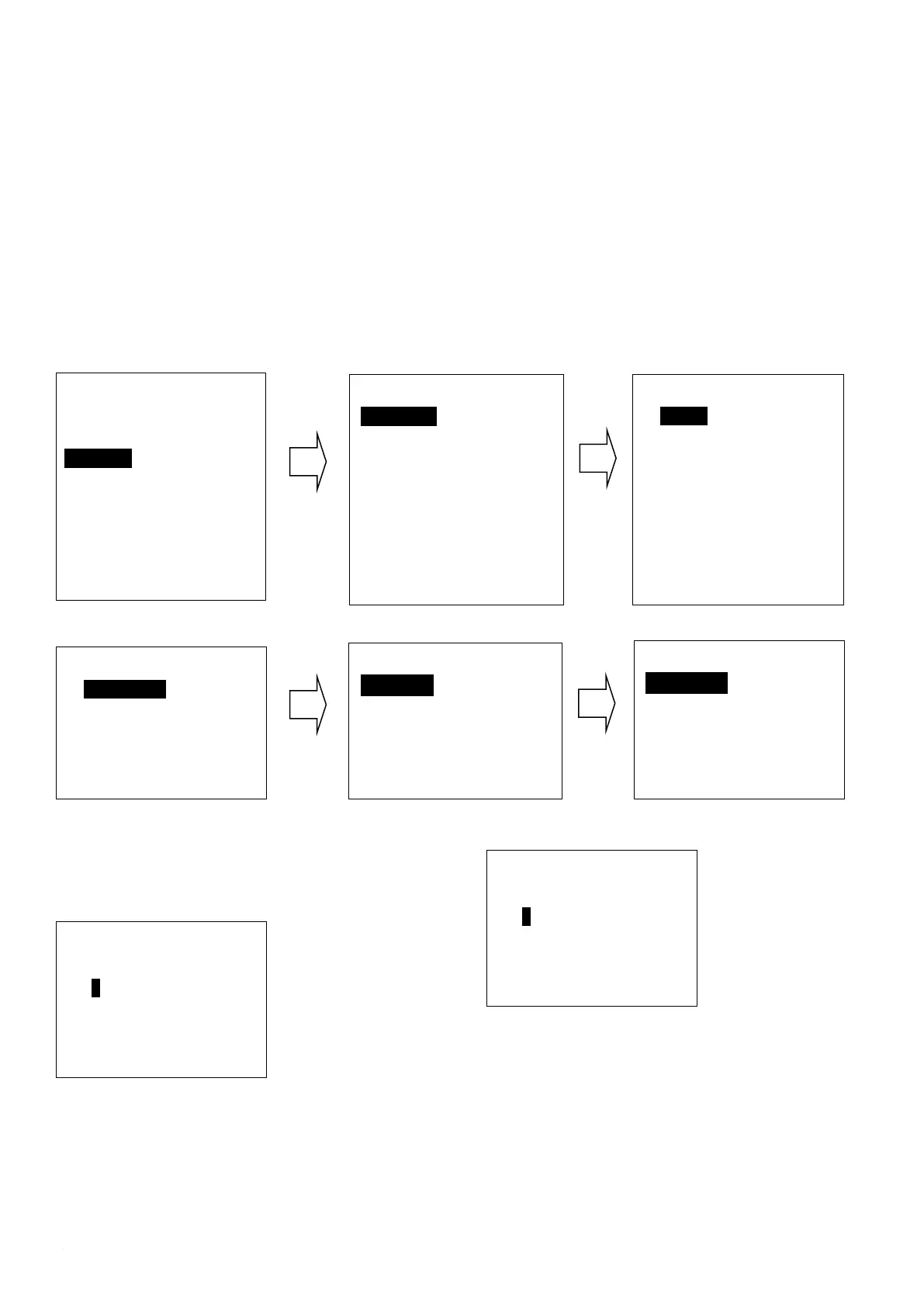
Long press the CALL/MENU key to enter “AIS Setup” item for setup as below shown
Main Menu
VHF Operation
GPS Setup
AIS Setup
ATIS Operation
DSC Operation
System Config
EXIT ▲ ▼ ENTER
CPA Alarm enable Choose“Disable”or“Enable”item to
enter disable or enable AIS alarm, then press “ENTER”
key to confirm.
CPA Range (Closest point of approach) Alarm distance
setup
Press UP/DOWN key to input digital one by one, after you
have done this, press “ENTER” key to confirm, the
maximum input range is 25.0NM, if the input value over
than 25.0NM, than this operation is invalid, the system will
ask for re-enter, the default CPA value is 1.5NM.
TCPA (Time closest point of approach)Alarm distance
setup
Press UP/DOWN key to input digital one by one, after you
have done this, press “ENTER” key to confirm, the
maximum input range is 30 minutes, if the input value is
over than 30 minutes, the input is invalid, then the system
will ask for re-enter, the default CPA value is 10:00 Min.
ATIS Operation
Long press the CALL/MENU key to enter “ATIS
AIS Setup
AIS Output
AIS Display Set
AIS ALARM
EXIT ▲ ▼ ENTER
AIS Output
All Off
NMEA0183
NMEA2000
√N0183+N2000
EXIT ▲ ▼ ENTER
AIS Display Set
SHIP MMSI
√SHIP Name
EXIT ▲ ▼ ENTER
AIS ALARM
CPA ALARM
CPA Range
TCPA Time
EXIT ▲ ▼ ENTER
CPA ALARM
√ Disable
Enable
EXIT ▲ ▼ ENTER
CPA Range
Input Range
03.0NM
EXIT ▲ ▼ ENTER
TCPA Time
Input Time
10:00Min
EXIT ▲ ▼ ENTER


 To Next Page