long press “GPS/MOB” key “MOB”icon will be shown on
LCD, then Press Distress for 3 seconds, Distress call with
nature MOB is sent.
MOB mark is outputted via NMEA0183/2000. A MOB
mark is immediately sent to the chart plotter to have a
position as accurate as possible.
DW/ FOG (Dual Watch/Foghorn)
At the normal mode, short press “DW/FOG” key to
activate the DUAL WATCH mode. Monitor the current
channel and CH16 in cycle. Whenever weather alert is
activated, the WX Alert channel will be monitored once
every 4 seconds.
Long press “DW/FOG” key and enter “Foghorn Menu”,
then select preferred item from list. Press PTT key on the
microphone or handset to sound the horn. The horn will
stop when you release the PTT key in Manual Mode .
MEM Key
Enter /Exit the memory mode:
Short press MEM key to enter the memory mode, the
memory channel will be marked and “M” icon show on the
right side next to channel number. At the left side of the
current channel will mark a “MEM “icon which means
already entered the user memory mode.
At the Memory mode, short press the MEM key to exit the
memory mode. The “M” icon and “MEM” icon will
disappear.
Adding/Deleting memory CH:
1. At the normal mode, use the “UP/DOWN” key to select
desired channel for programming.
2. Long press the MEM key to store up the channel as
memory channel.
3. “M” icon will be shown on LCD to indicate the current
CH has been saved in the memory.
4. No limitation for saving memory channels.
5. For USA, International, and Canadian Frequency can be
saved separately.
6. At the normal mode, use the “UP/DOWN” key to select
the memory channel to be deleted.
7. Long press the “MEM” key to delete the selected
channel from the memory mode.
Scan Key
Short press “Scan” key is to activate the scan function
which is searching for currently all working channels.
All scanning: CH1-CH2-CH3-…-CH88
Memory scanning: M1 – M2 – M3 - … M10 –
M1- …
When a signal is detected, the scan pauses until the signal
disappears. Long press the Scan Key, to activate
the Priority Scan.
Priority memory scanning: M1 – CH 16 – M2 – CH 16 - …
CH 16 – M1 …
Priority all scanning:
CH1-CH16-CH2-CH16-CH3-CH16-…..CH88-CH16-L1-C
H16-
Hi/Lo/Lock
Short press the Hi/Lo/LOCK key will toggle the TX power
from Hi to Lo or vice versa. The corresponding “25W/1W”
icon will be displayed on the LCD.
Some of the channels (such as channel 16 initially set for hi
gh power channel13&67 initially set for low power) have
been initially set to be low power or high power, but can be
reprogrammed manually to high power or low power.
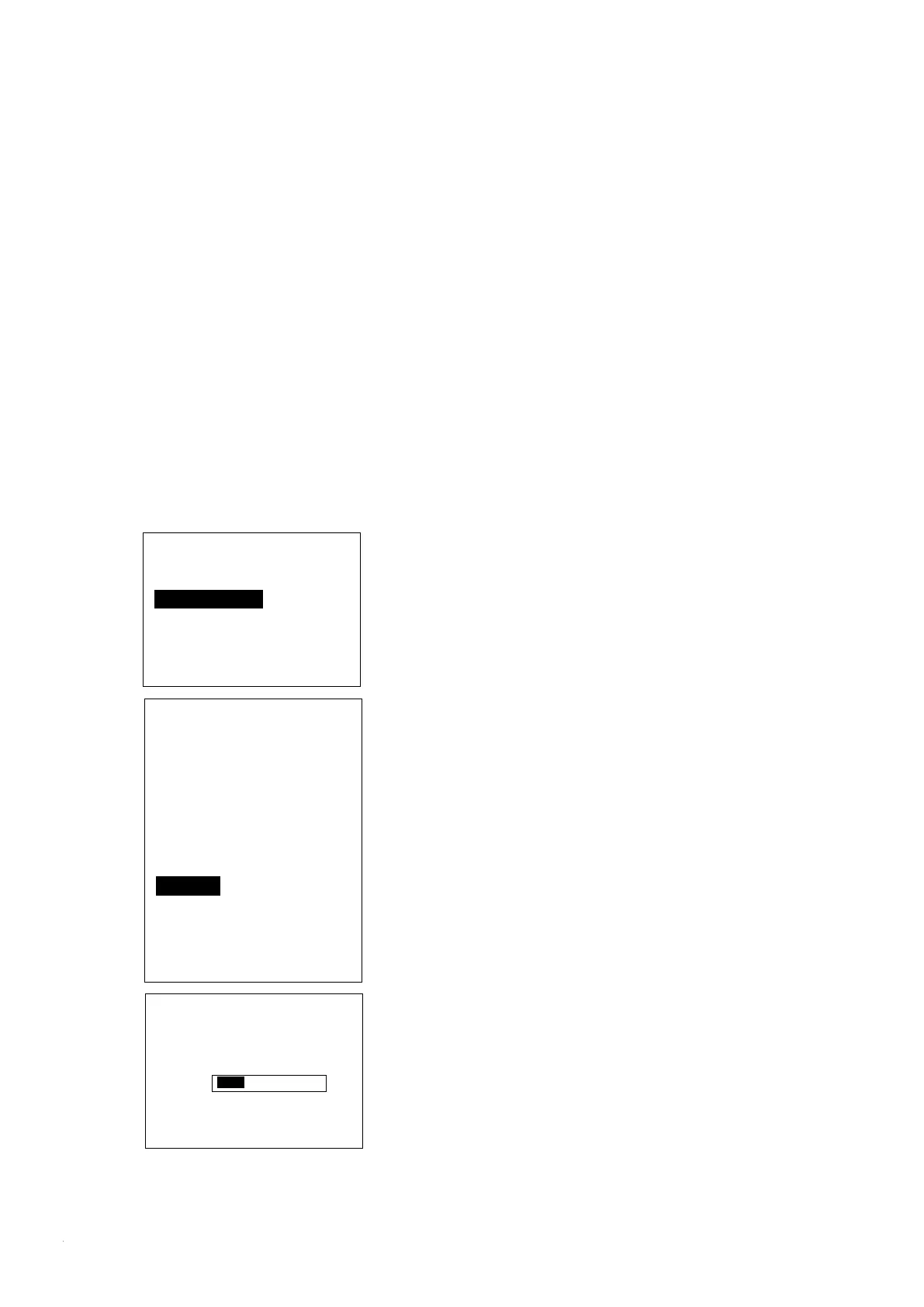
Foghorn Menu
Manual mode
Automatic mode
Foghorn Tone Select
EXIT ▲ ▼
Automatic mode
Engine w/ wandering
Engine w/o wanders
On Vessel
Tug
Towed
Pilot Boat
At anchor
Fishing vessel
EXIT ▲ ▼
FOGHORN
AUTO MODE
At anchor
VOL:2
EXIT ▲ ▼ ENTER


 To Next Page