MY MMSI ID setup
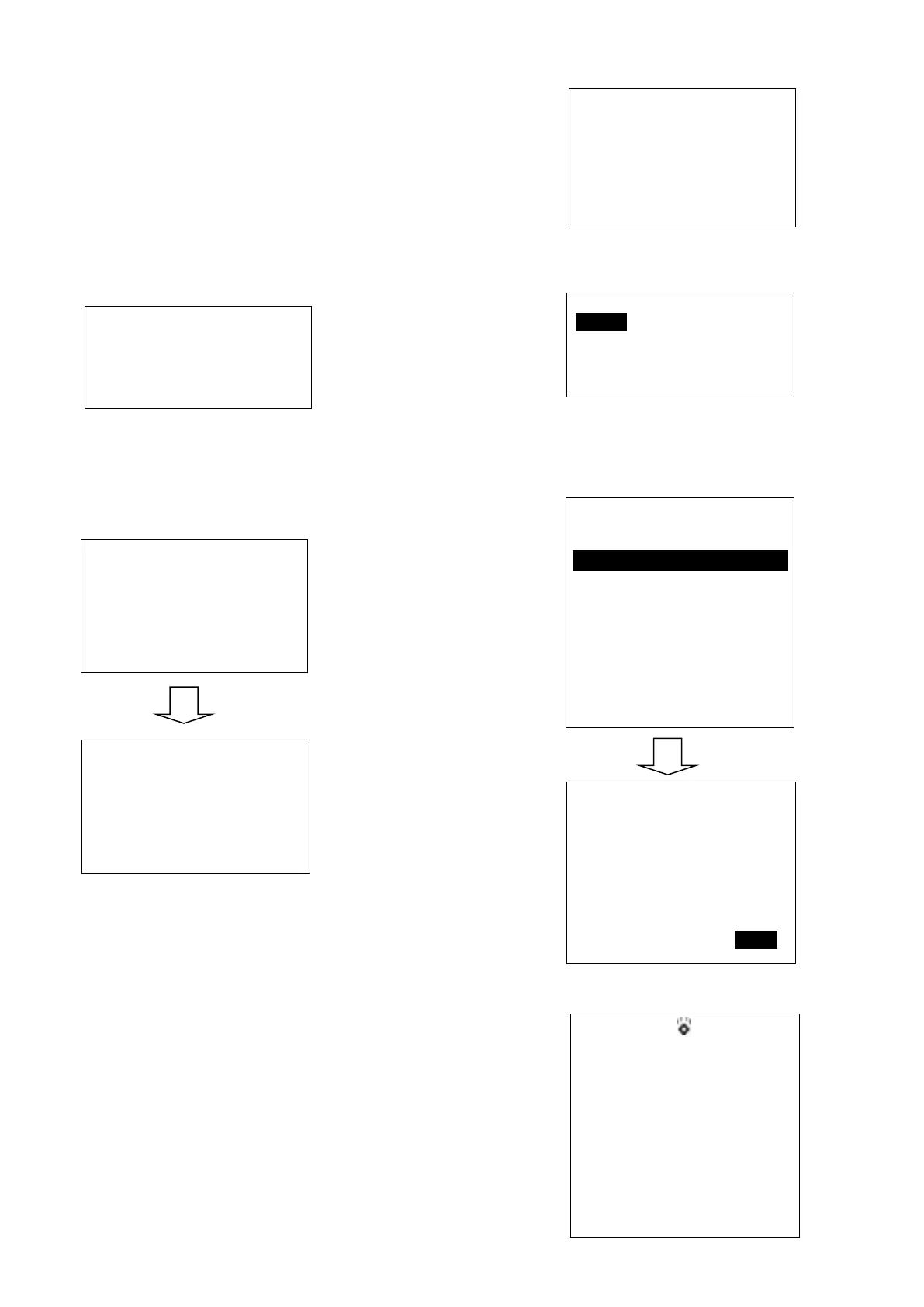
Firstly, long press CALL/MENU key to enter “Main Menu”.
Secondly, select “DSC Operation” to enter “MY MMSI ID”.
Then you can set up your related MMSI ID as below,
generally you need to double confirm the MMSI ID. Once
confirmed, your MMSI ID will be locked by this radio.
When input 9 digits, UP/DOWN key used for choosing the
number from 1 to 9. You need to input all numbers from the
left to right one by one until all finished. Once fulfilled 9
digits, then press “ENTER” to confirm.
Note. You must enter your user MMSI before you can access
the DSC functions. This is a once-only operation.
Individual Call/Position Request/Group
Call/Test call
Press the “CALL/MENU” key and choose “Individual Call”,
then choose “Input Address” or “From Phonebook”.
Take individual call as example-
First select the “Input Address”, then input 9 MMSI digits
manually such as 123456789 for your address as below:
Then select the type of individual call such as Routine
Next select the preferred channel such as 01 port
operation and confirm to call
Then the individual call is sent as below shown
My MMSI ID
123456789
EXIT
My MMSI ID
Input MMSI
123------
EXIT ▲ ▼ ENTER
My MMSI ID
123456789
EXIT
Input Address
Input 9 digits
0-----------
EXIT ▲ ▼ ENTER
Individual Call
Routine
EXIT ▲ ▼ ENTER
Individual Call
Select Channel:
01 port ops/vts
03 unauthorized
05 port ops/vts
06 inter ship
07 commercial
08 commercial
EXIT ▲ ▼ ENTER
Individual Call
To: 100000000
Safety
Telephony by
Channel 16
EXIT CALL
DSC USA
1W
16
SQL:5
VOL:4 SAFETY
Elapsed 00:56
EXIT


 To Next Page