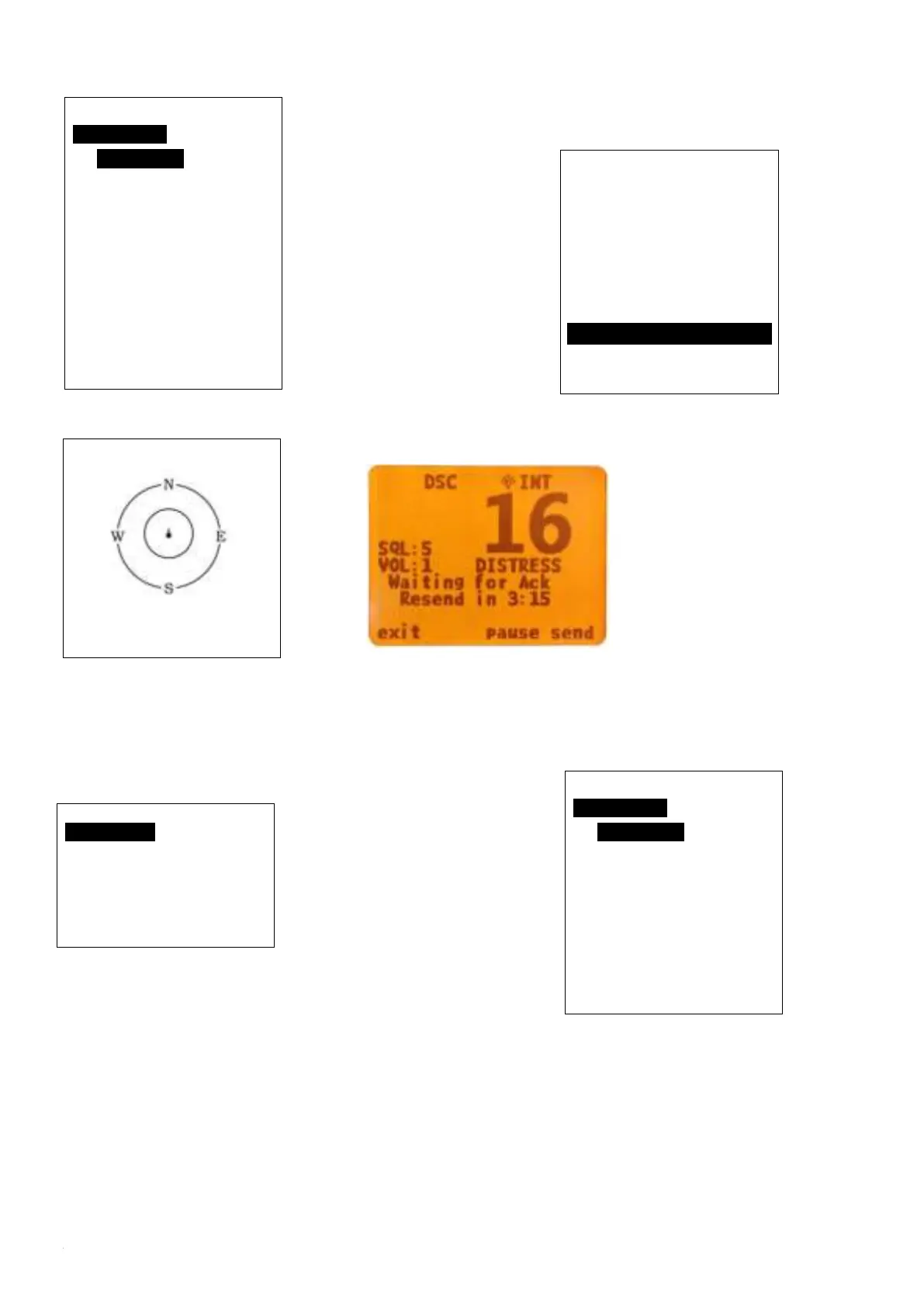
hold this for more
than 3 seconds for
transmitting sinking
message out.
You can also choose to resend, pause or exit after
this message was sent.
AIS Operation(Only HM390S)
Long press the
‘UIC/AIS’ key to
enter this interface.
From the AIS ship info menu, you have three options: List
mode, plotter mode, AIS Alarm list alarm list mode. If you
choose option ‘AIS ship info list’ and press ‘enter’, you
will open the list mode.
If you choose
option ’All
ship plotter’ and
press ‘enter’, you will open the plotter mode.
If you choose option ’AIS Alarm List’ and press
enter, you will open the AIS alarm list mode.
From either mode, you can choose a target with Confirm
key, then press enter to display the target details.
Distress Menu
Undesignated
Fire, Explosion
Flooding
Collision
Grounding
Capsizing
Sinking
EXIT ▲ ▼
Ship Info menu
Ship info List
Ship plotter
AIS Alarm list
EXIT ▲ ▼ ENTER
NO. MMIS 00/3
00 413903183
233° 0.97nM
01 413997668
213° 1.33nM
02 413401340
277° 1.48nM
03 413454520
280° 1.54nM
04 000000000
237° 3.24nM
EXIT ▲ ▼ ENTER
NO. MMIS 00/0
00 413903183
233° 0.96nM
01 000000000
237° 5.54nM
02 000000000
265° 1.13nM
03 413401340
277° 1.48nM
EXIT ▲ ▼ ENTER


 To Next Page