20
Chapter 2 Measurement Procedure
NOTE
NOTE
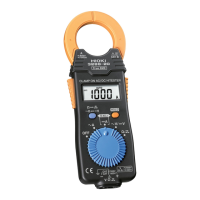
2.9 Fast Mode
The digital display update rate can be set to 4
times per second. This is useful for example
for inrush current measurements and similar
applications.
1. Press the
A
〜
〜〜
〜
key twice in succession.
The indication "F" is briefly shown, and the
unit switches to fast mode. From now on, the
indication "F" will appear every time the
A
〜
〜〜
〜
key is pressed. To cancel the fast mode, press
the
A
〜
〜〜
〜
key twice in succession.
・ If SLOW is selected while the unit is in fast
mode, the display update rate will be normal
(2 times per second).
【Example for inrush current measurement】
1. Press the
A
〜
〜〜
〜
key twice in succession to
activate fast mode.
2. Press the
RANGE
key to set the current
range to a fixed setting.
When the drive current is unknown, begin
measurement with the 200 A range selected
3. Use the recording function to record the
maximum value, for easier reading.
・ Circuit time constant 200 ms MAX.


 To Next Page