Using the CLI
RM CLI EAGLE 20
Release
4.3
09/08
3.1
Mode-based command hierarchy
23
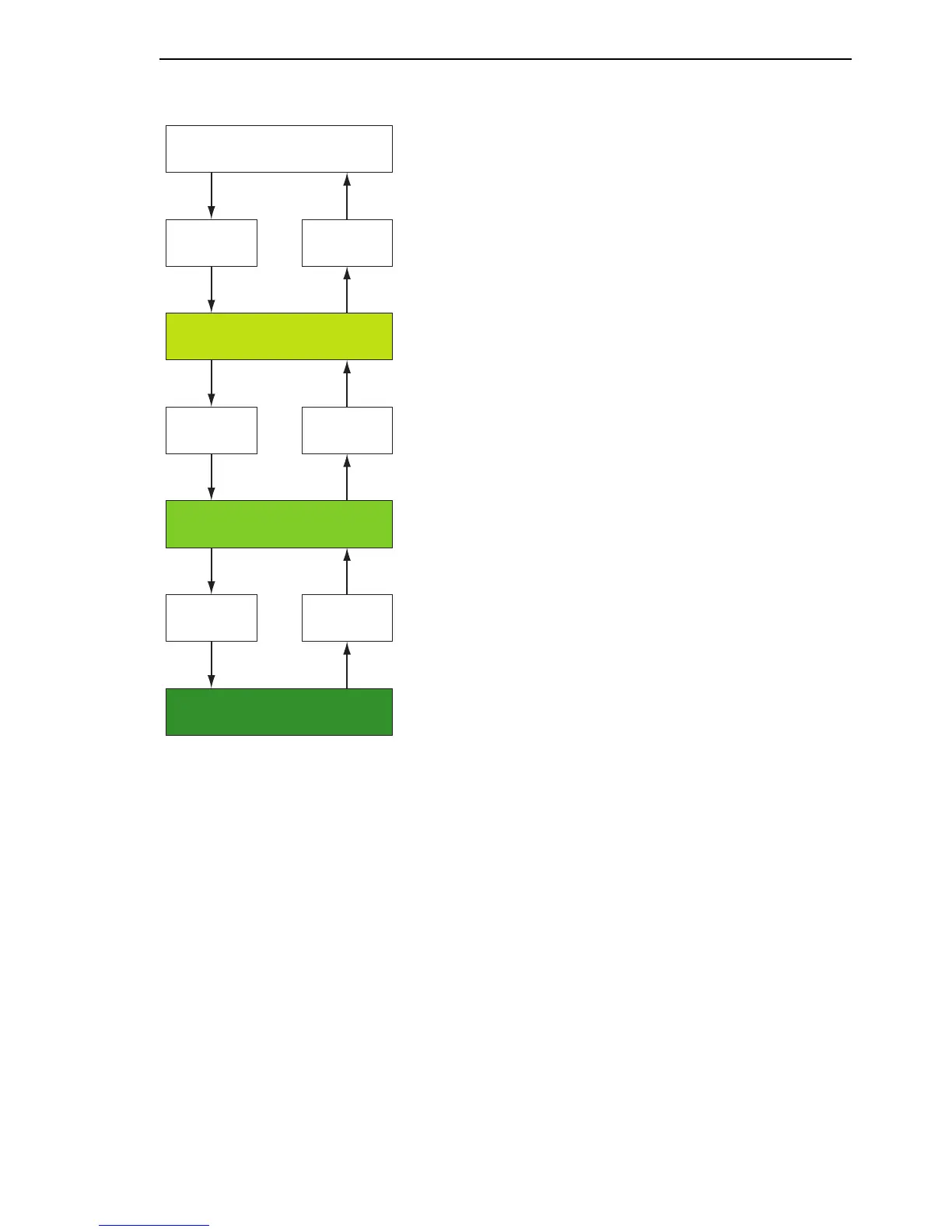
Figure 7: Structure of the CLI
The CLI supports the following modes:
X User Exec mode
When you login to CLI, you first enter the User Exec mode. The User Exec
mode contains a limited range of commands.
Command prompt: (Hirschmann Eagle) >
X Privileged Exec mode
To access the entire range of commands, you enter the Privileged Exec
mode. In the Privileged Exec mode, you can proceed as a privileged user
authenticated by the login. From the Privileged Exec mode you can exe-
cute every Exec command.
Command prompt: (Hirschmann Eagle) #
User Exec Modus
Privileged Exec Modus
Global Configuration Modus
The User Exec
Commands are also
available in the
Privileged Exec
Mode.
Enable Exit
Configure Exit
Login
Logout
ROOT
Limited
functionality
Basis functions,
basic settings
Extended
configurations



 To Next Page