Access to CLI
RM CLI EAGLE 20
Release
4.3
09/08
2.2
CLI via SSH (Secure Shell)
15
2.2 CLI via SSH (Secure Shell)
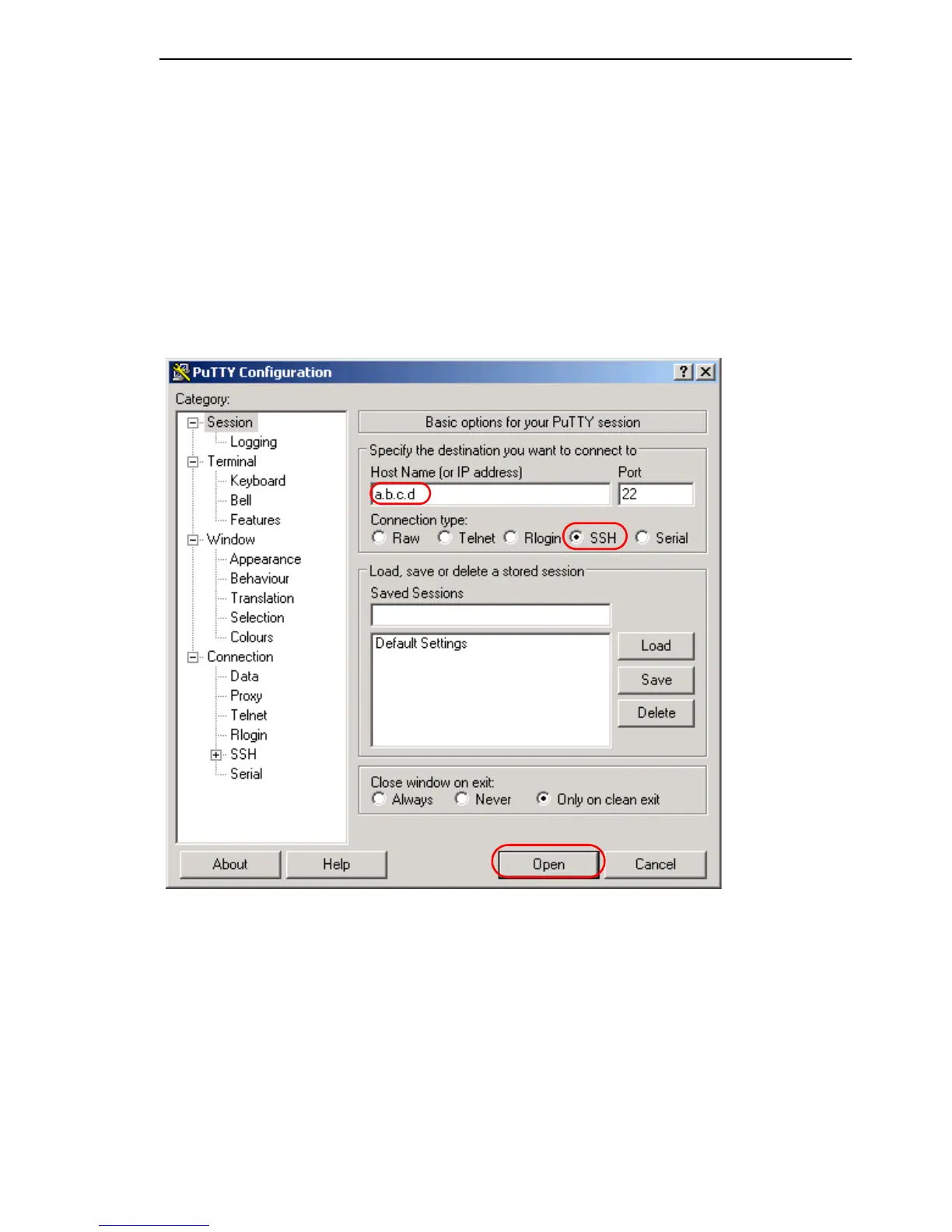
Start the PuTTY program on your computer.
PuTTY appears with the login screen (see fig. 1).
Figure 1: PuTTY input screen
In the Host Name (or IP address) input field you enter
the IP address of your device.
The IP address (a.b.c.d) consists of four decimal numbers with values
from
0 to 255. The four decimal numbers are separated by a point.



 To Next Page