6
ENEN
11
1
2
3 4 5
6
8 1097
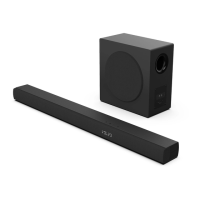
3. Product Diagram
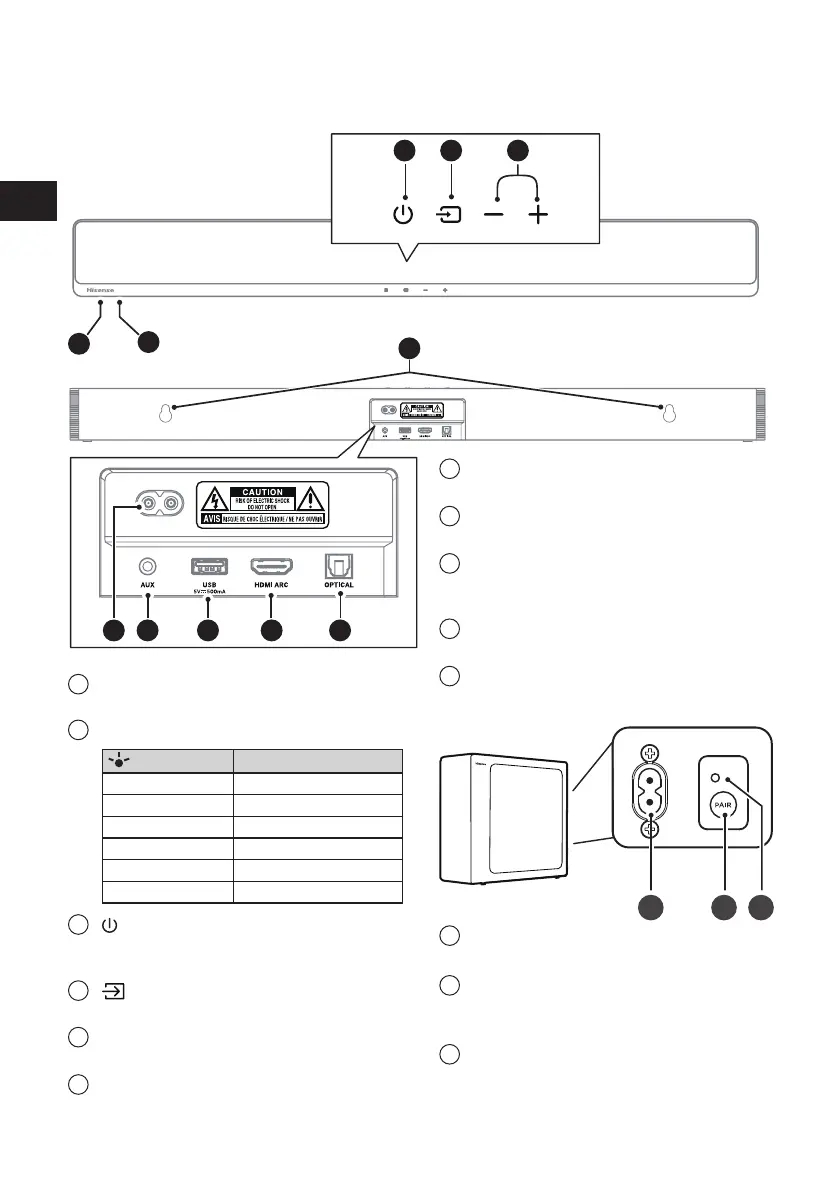
3.1 Main Unit
1
Remote Control Sensor
Receive signal from the remote control.
2
LED Indicators
Lamp
Mode
●●
Red Standby
●●
Green
AUX
●●
Blue BT (Bluetooth)
●●
Orange
OPTICAL
●●
White
HDMI ARC
●●
Yellow
USB
3
(ON/OFF) Button
Switch the soundbar between ON and
Standby mode.
4
(SOURCE) Button
Select the play function.
5
+
/
-
(Volume) Buttons
Increase/decrease the volume level.
6
AC~ Socket
Connect to the power supply.
7
AUX Socket
Connect to an external audio device.
8
USB Socket
The USB socket is for service only.
9
OPTICAL Socket
Connect to an optical audio output on the
TV.
10
HDMI ARC Socket
Connect to a TV via HDMI cable.
11
Wall hanging points
3.2 Wireless Subwoofer
1 2 3
1
AC~ Power Cord
Connect to power.
2
PAIR button
Press activate the pairing function between
the main unit and the subwoofer.
3
PAIR Indicator
Light stops blinking once the Subwoofer is
paired with the Soundbar.



 To Next Page