2
Contents
Important Safety Instructions 3
Safety ...........................................................................................................................................................................................3
Warning .......................................................................................................................................................................................4
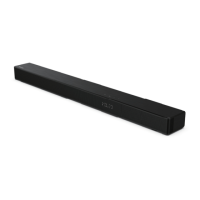
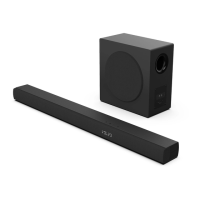
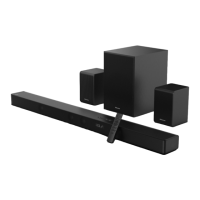
What’s in the Box 7
Identifying the Parts 8
Main Unit ...................................................................................................................................................................................8
Wireless Subwoofer ................................................................................................................................................................8
Remote Control ........................................................................................................................................................................9
Preparations 9
Prepare the Remote Control ................................................................................................................................................9
Replace the Remote Control Battery ................................................................................................................................ 9
Placement and Mounting .................................................................................................................................................. 10
Connections 11
Dolby Atmos®......................................................................................................................................................................... 11
DTS: X ........................................................................................................................................................................................ 11
HDMI Socket ........................................................................................................................................................................... 11
Use the OPTICAL Socket .................................................................................................................................................... 12
Use the COAXIAL Socket .................................................................................................................................................... 12
Use the AUX Socket ............................................................................................................................................................. 12
Connect Power ...................................................................................................................................................................... 13
Pairing the Wireless Subwoofer with the Main Unit 13
Basic Operation 14
Standby/ON ............................................................................................................................................................................ 14
Select Modes .......................................................................................................................................................................... 14
Adjust the Bass Level ........................................................................................................................................................... 14
Turn the Surround Sound ON/OFF ................................................................................................................................. 14
Adjust the Volume ................................................................................................................................................................ 14
Adjust the Brightness .......................................................................................................................................................... 14
Select a Preset Sound Eect ............................................................................................................................................. 14
AUX / OPTICAL / COAXIAL / HDMI ARC Operation 14
Bluetooth Operation 15
Pair Bluetooth-enabled Devices ...................................................................................................................................... 15
Listen to Music from Bluetooth Device ........................................................................................................................ 16
USB Operation 16
Troubleshooting 17
Specications 18



 To Next Page