8
aux
4
3
6 7 8
1 2 3
9 1210 11 13 14 1615
5
3
2
Identifying the Parts
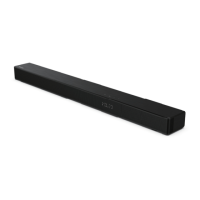
Main Unit
1 Overhead Sound
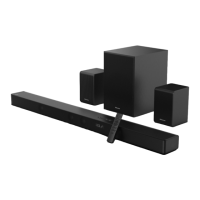
2 Surround Speakers
3 Display Window
Show the current status.
4 Remote Control Sensor
Receive signal from the remote control.
5 Screws
Remove the screws then install the wall
mounting screws into the back of the unit.
6 (ON/OFF) button
Switch the unit between ON and Standby mode.
7 (SOURCE) button
Select the play function.
8 VOL+/VOL- buttons
Increase/decrease the volume level.
9 DC IN 23V Socket
Connect to adapter.
10 COAXIAL Socket
11 OPTICAL Socket
12 USB Socket
Insert the USB device to play music.
13 AUX Socket
Connect to an external audio device.
14 HDMI OUT (ARC) Socket
Connect to a TV via HDMI cable.
15 HDMI IN 1 Socket
16 HDMI IN 2 Socket
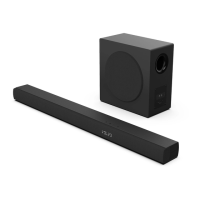
Wireless Subwoofer
1 AC~ Socket
Connect to power.
2 PAIR button
Press activate the pairing function between the main unit and the subwoofer.
3 PAIR Indicator
Light up solidly when the pairing succeed.



 To Next Page