14
MR6DE User Manual
Making Connections
Setting of the touch and audio & video return transmission function
When you need to use an external PC as the touch host, audio & video host and signal source
host, setting can be achieved by the following two methods.
Method 1. Connect the main screen and PC with one full-functional Type-C wire and switch the
signal source to Type-C channel.
Method 2. Use one Touch-USB (one end is type-B male connector, and the other end is type-A
male connector) connecting wire and one HDMI signal wire for connection. Touch-USB wire
connects the Touch port on the main screen side and the USB port of the PC. HDMI signal wire
connects the HDMI port of the main screen and the PC, and the signal source is switched into
the corresponding HDMI channel.
After setting, the external PC can be operated via the touch screen. The external PC can also
invoke the camera and microphone of the main screen.
NOTE
It is recommended that full-functional Type-C wire certified by USB-IF Association should
be used. The wire length should be less than 2m. When using other non-standard wires,
malfunctions caused by signal transmission problems attributable to the wire quality problem
may occur.
Connect to a USB interface device
The total current of all the USB output ports of the device when connected to external devices
at the same time mustn’t exceed 3000mA, or else the device failure caused by overcurrent isn’t
covered by the warranty.
NOTE
This device is connected to wireless keyboard and mouse devices. If there is any insensitivity
phenomenon during use, you can try to change the wireless receiver to another USB port, or
use a USB extension cord to connect the wireless receiver in order to enhance the receiving
range.
External device
Device port
USB
DC 5V 1A(MAX)
LINE OUT
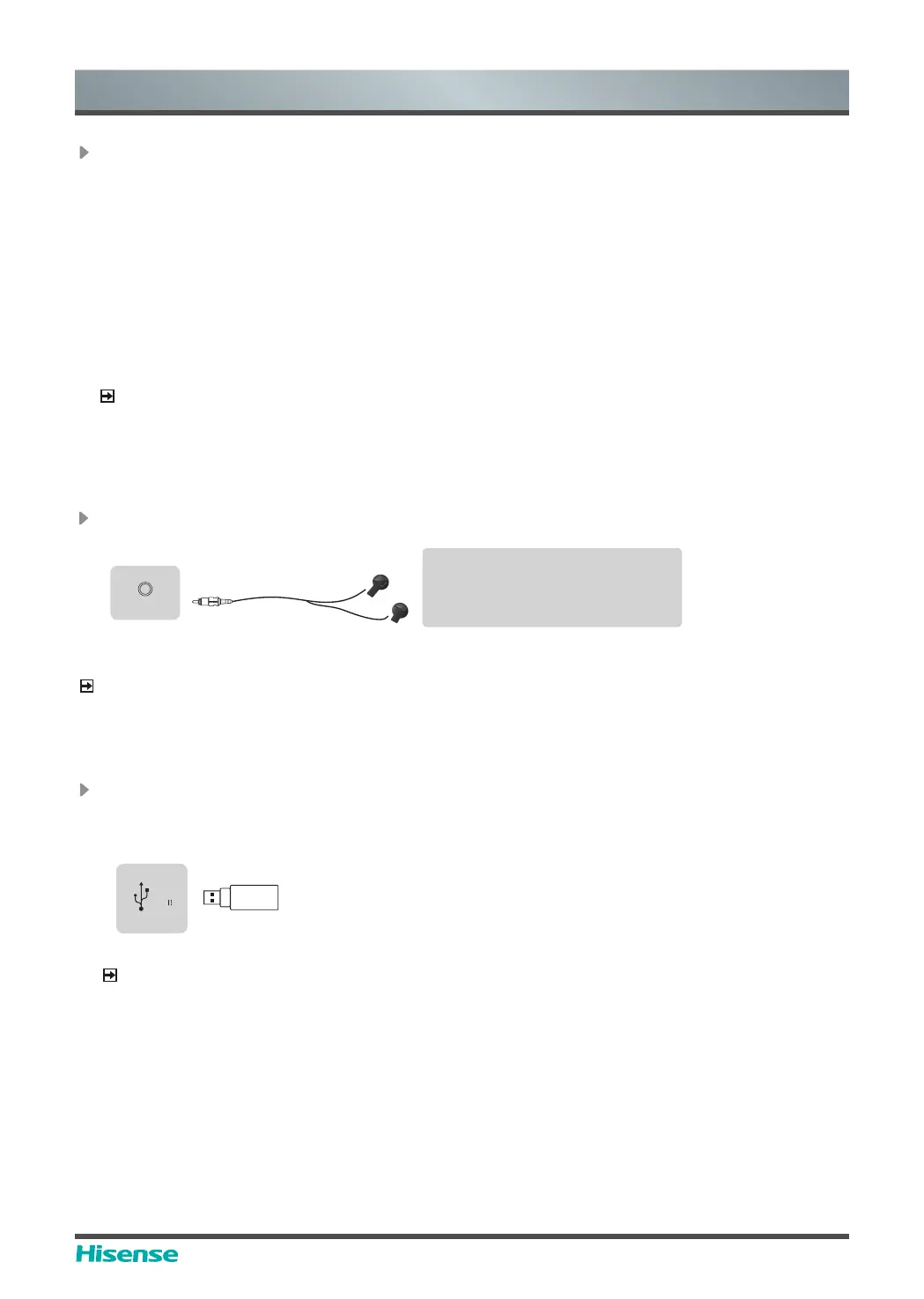
Connect Headphone for audio out of the screen.
NOTE
Please make sure that the headphones you plug in is without microphone function, or it may not
be supported.
Headphones (not included)
ATTENTION
Excessive sound pressure from
earphones and headphones can
cause hearing loss.
LINE OUT
Device port



 To Next Page