18
Language Setup
Preparation:
Switch on appliance. Press TV/DVB-T.
The appliance switches over to DVB-T-mode.
1
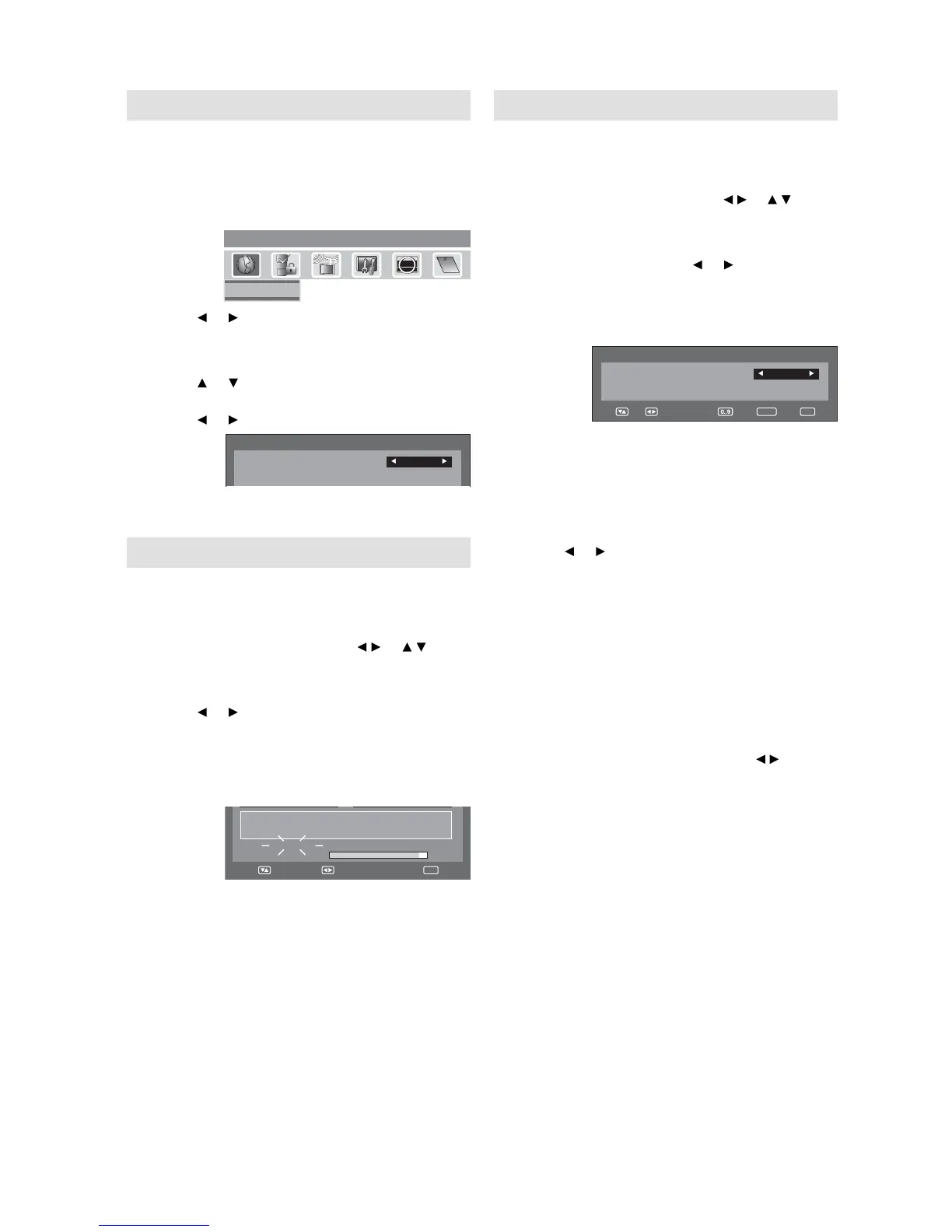
Press DIGITAL MENU, the menu will appear
on the screen.
puteSegaugnaLunemniaM
Language Setup
ABC
CH1
CH2
CH3
Texd
CI
i
ABC
i
Press or to select Language Setup option,
then press ENTER.
2
Language Setup menu will appear.
Press
or to select the item you want to
change.
Press or to select desired language.
Language Setup
Menu Language
English
Pref. Audio Language
English
3
When all changes are decided, press EXIT to
return to the normal screen.
Auto Scan
Preparation:
Please ensure that all the connections have been
made correctly (see page 10).
1
Press DIGITAL MENU. Press / or / to
select ‘Auto Scan’ then press ENTER.
2
The confi rmation banner will be displayed.
Press
or to select ‘Yes’ or ‘No’, then press
ENTER.
3
The Auto Scan process will now begin.
The scanning process will be displayed in the
progress bar.
Progress
Searching...
Carrier :1
Frequency (kHz) :562000
Navigate
Exit
Note:
If “FINLAND” is selected on the “AUTO INSTALLATION
(COUNTRY)” screen, two languages are displayed for
each item and the fi rst selected language has priority.
The language output depends on the languages
contained in the broadcast.
All the channels will be deleted before the scanning
process begins.
You can cancel the scan process at any time by
pressing EXIT. The carriers and the services stored
before EXIT is pressed will be stored.
•
•
•
Manual Scan
With the Manual Scan option, you can tune one
carrier at a time, by entering the carrier parameters
manually.
1
Press DIGITAL MENU. Press / or / to
select ‘Manual Scan’, then press ENTER.
2
You can choose the carrier number from
the Channel list by using or and the
corresponding frequency set for the carrier will
be set for tuning.
Otherwise you can also directly enter the
frequency value to start the tuning.
Manual Scan
Channel list
Ch-21
Frequency (kHz)
474000
Navigate
Enter Exit
3
After setting the carrier, press ENTER to start
the scanning. During the scan process, the list
of services (TV/Radio) collected for the carrier
will be listed.
4
Then the confi rmation banner will be
displayed.
Press
or to select ‘Yes’ or ‘No’, then press
ENTER.
5
Press EXIT to return to the normal screen.
Note:
If on the ‘AUTO INSTALLATION (COUNTRY)’ screen
‘FINLAND’ is selected, ‘Frequency (kHz)’ cannot be
used.
When the Country is set to FINLAND in the ‘AUTO
INSTALLATION (COUNTRY)’
If there is a Channel List in the data after Auto Scan
or Manual Scan, Channel Type Selection Menu will be
displayed and available to set Channel List Type.
Select the Channel List Type by pressing
/ and
press ENTER
If “FINLAND” is selected on the “AUTO INSTALLATION
(COUNTRY)” screen, Data is displayed on the “Carrier
Setup” screen.
•
•
•


 To Next Page