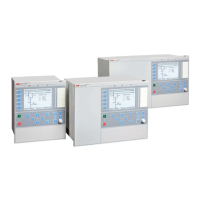
Function menu
Function menu
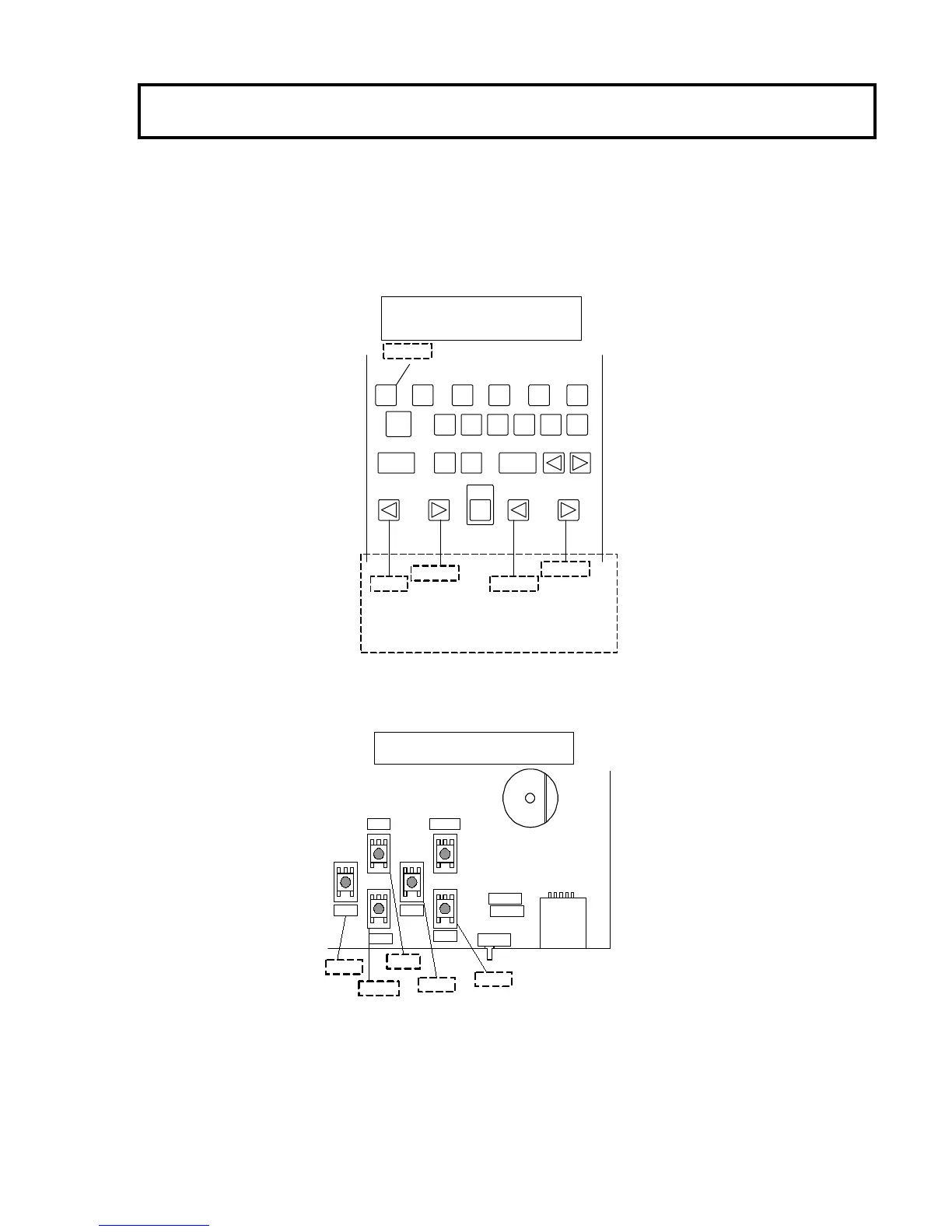
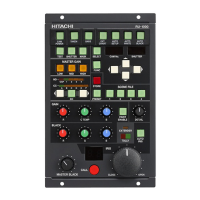
Use the camera control panel or the setup control unit connected to the CU-HD500 rear side to display the function menus.
The function menus include the CCU menu to set the CU-HD500 and the camera menu to set a camera.
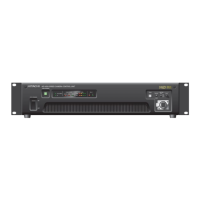
(And also the function menus control the button of the CUH5-MAIN unit inside the CU-HD500.)
ND CC
HEAD
MENU
CTL
HEAD
MASTER CAINSHUTTER
UP
DOWN
LEFT
RIGHT
MENU
RU-3400VR/JY-S10
RU-1200VR/JY
When MEMU button is active, ND button and
CC button are assigned for UP/DOWN and
LEFT/RIGHT respectively.
OFF ⇔ ON
MENU
RIGHT
LEFT
DOWN
UP
CU-HD500
Right-front of CUH5-MAIN unit
UP
DOWN
RIGHTLEFT
SET
CAM PWR
ADJUST


 To Next Page