6
2.2 Ethernet communication connection
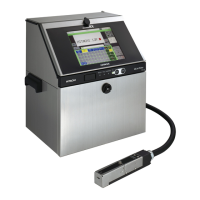
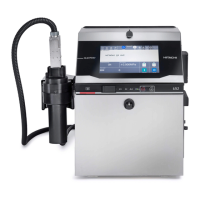
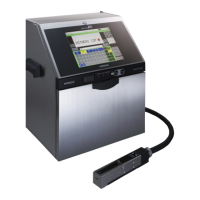
● If connecting the IJ Printer with external unit, use a LAN connection cable.
2.2.1 Network connection preparations
(1) Connect to inter-office LAN
You should obtain the IP address from the Information Systems
Department of your company.
You should consult with the Information Systems Department of your
company concerning network settings such as gateway.
(2) Connect from outside the office
Make a contract with the provider and get unchanging IP address.
To establish a connection through telephone line, contracts provided by
external providers is required. If not using the telephone line, mobile
environment is required. Also, a router for mobile card is necessary.
Follow the manual offered by the provider for network setup procedure.
2.2.2
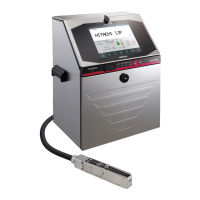
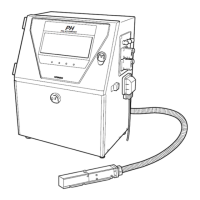
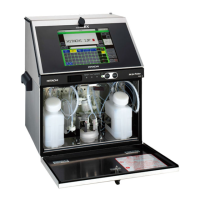
IJ Printer preparations
Connect the IJ Printer to the Ethernet (computer or hub, etc.) with
a LAN cable.
Conduct a connection test if necessary.
Set the communication environment on the IJ Printer's screen.


 To Next Page