Automatic Alarm Repeat
The alarm will automatically repeat each day at the selected time as long as the alarm icon
is displayed. To cancel this function, repeatedly press the ALARM1 or ALARM2 button until
“Alarm Off ” shows on the display.
Snooze Function (AC Operation Only)
When the alarm has triggered, press the SNOOZE button to temporarily switch o the
alarm for 5 minutes. The display will show “Zz” to indicate that snooze is on. Snooze
function will continue for 1 hour from the set alarm time. If alarm 2 is due to go o within
1 hour of alarm 1, it will not activate until alarm 1 has been switched o .
Sleep Function (AC Operation Only)
This function allows you to program the unit to switch o by itself after a set period of time.
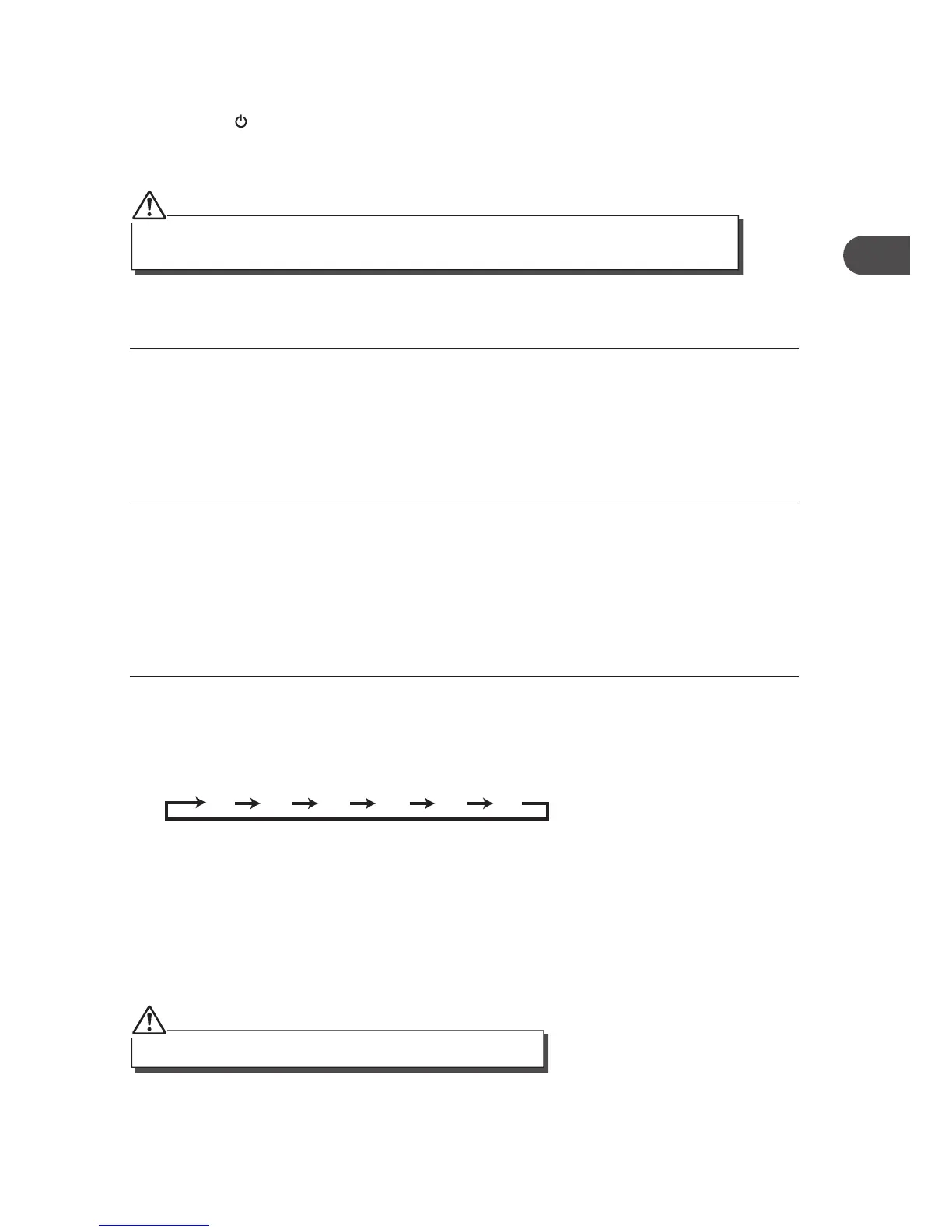
1. To activate the sleep function, press the SLEEP button repeatedly until the “Sleep
Timer” shows on the display. The time will change in the below sequence on every
press:
2. When your desired sleep time appears in the display, release the button and the sleep
function will be activated in two seconds. “S#” will show on the display (for example
“S1” represents “10 minutes” sleep time).
3. When the sleep time counts to zero, the unit will go o . To put the sleep function o
while the sleep timer is still counting down, press the SLEEP button once, “Sleep Off ”
will show on the display.
4. Press the INFO button repeatedly to display the sleep timer status.
The sleep function can be activated only in AC power operation.
3. When the alarm time arrives, the selected wake-up mode will be on and the alarm icon
in the display will ash to indicate the alarm is triggered. To stop the alarm sooner,
press the STANDBY button.
4. To check the alarm status, press the ALARM1 or ALARM2 button. The alarm status will
show on the display.
If you have activated the alarm function and the wake-up mode is DAB or FM, make sure that the
volume is at a su cient level for you to hear and you must preset the radio station rst.
17
GB


 To Next Page