FM Display Modes
This feature enables you to select a FM station information showing on
the display.
1. In FM mode, press Menu button, and then press / button to
select <Display>. Press Enter to conrm.
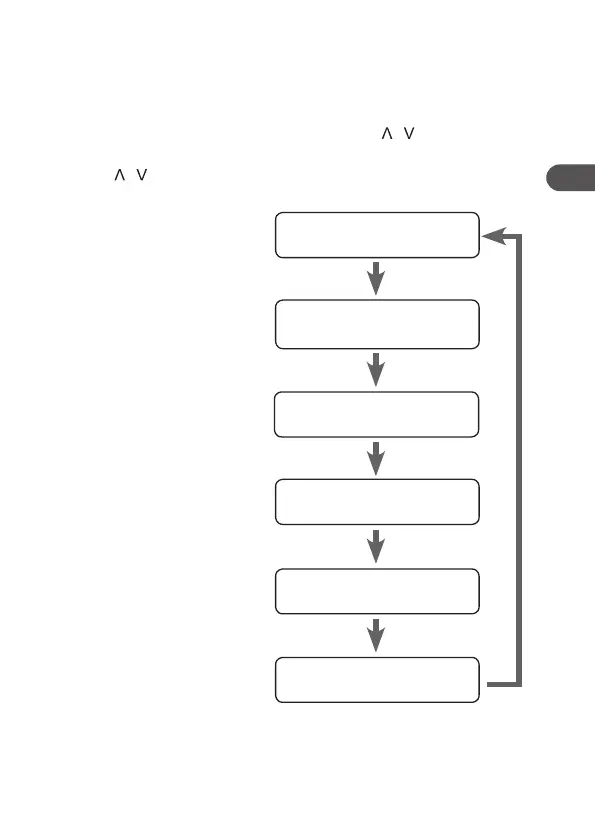
2. Press / to select Radio text, Program Type, Ps, Audio info,
Time or Date. Press Enter button to conrm.
Radio Text
This is a scrolling message
information about the current
programme.
Programme Type
This describes the “Style” or
“genre” of programme that is
being broadcast.
Ps (Station Name)
This display the station name.
Audio Info
This displays if the station being
received is in mono or stereo.
Time
This displays the current time
provided automatically by the
broadcaster.
Date
This displays the current date
provided automatically by the
broadcaster.
Radio Text
Ps (Station Name)
Audio Info
Programme Type
Time
Date
27
GB


 To Next Page