Run/Stop for Each Group
Check the control mode before setting.
The control method is different depending whether the control mode is set to “Normal” or “Run/Stop Only”.
Run/Stop operation for each group (Control mode: Normal)
1 Select the screen of “Monitor 1 (All Groups)” or “Monitor 2 (Block)”. Select the group to set by tapping its group but-
ton.
Monitor 1 (All Groups) Monitor 2 (Block)
(1) (1)
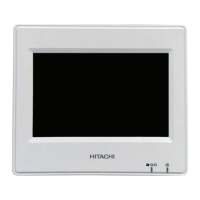
2 The settings of the selected group appear dis-
played on the touchscreen display. Tap “RUN” or
“STOP” to change the operation state.
3 Tap “Monitor screen” to return to the “Monitor”
screen.
(2)
(3)
5 Centralised remote controls
PSC-A32MN
TCGB0106 rev.0 - 12/2014
319
5












 To Next Page
