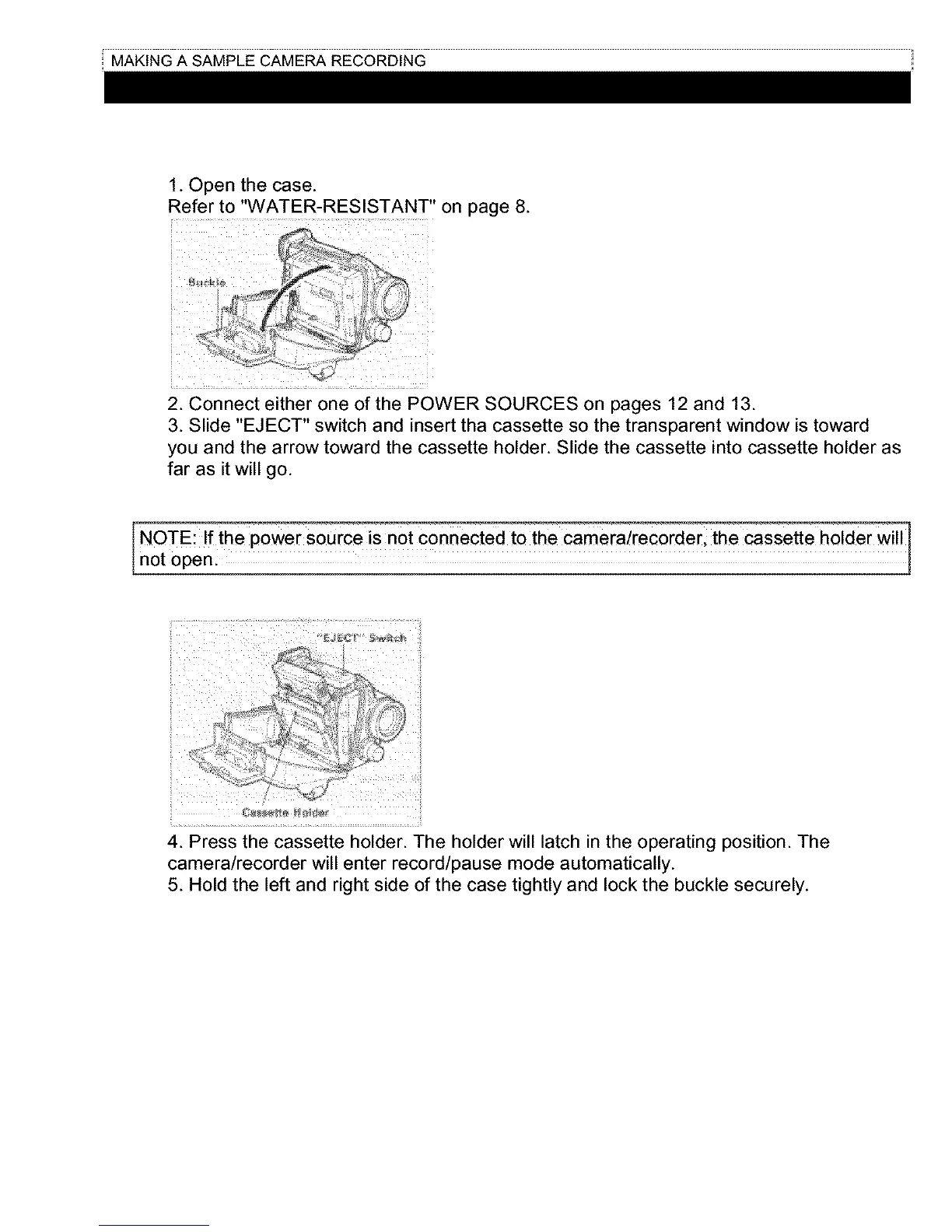
1. Open the case.
Refer to "WATER-RESISTANT" on page 8.
2. Connect either one of the POWER SOURCES on pages 12 and 13.
3. Slide "EJECT" switch and insert tha cassette so the transparent window is toward
you and the arrow toward the cassette holder. Slide the cassette into cassette holder as
far as it will go.
NOTE: If the powe r Sourc e iS not connected t0th e cameia!recoideB the cassette ho!der wi!!
not open.
i_i ii
4. Press the cassette holder. The holder will latch in the operating position. The
camera/recorder will enter record/pause mode automatically.
5. Hold the left and right side of the case tightly and lock the buckle securely.



 To Next Page