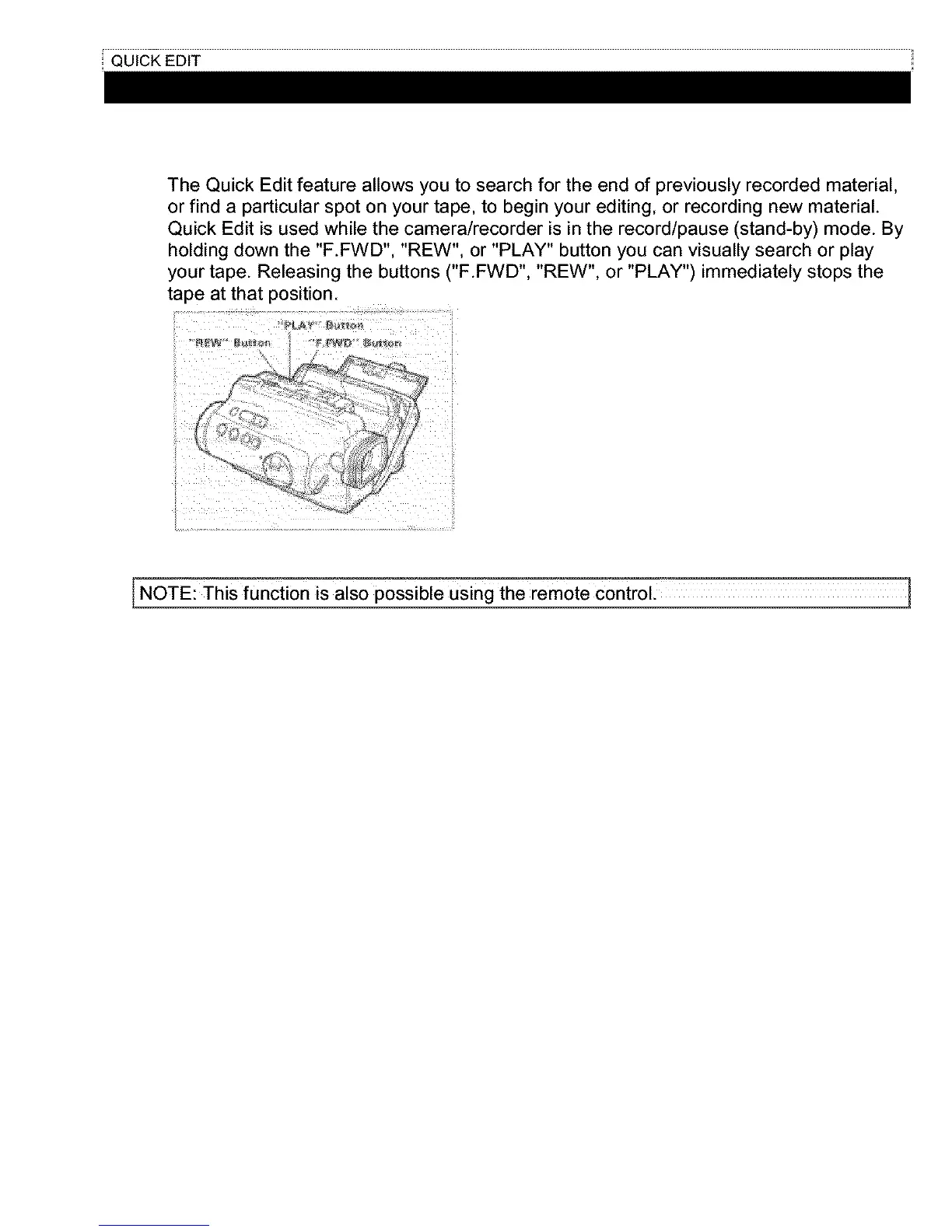
The Quick Edit feature allows you to search for the end of previously recorded material,
or find a particular spot on your tape, to begin your editing, or recording new material.
Quick Edit is used while the camera/recorder is in the record/pause (stand-by) mode. By
holding down the "F.FWD", "REW", or "PLAY" button you can visually search or play
your tape. Releasing the buttons ("F.FWD", "REW", or "PLAY") immediately stops the
tape at that position.
>
J
NOTE:This function is also possible Using the remote control. 1



 To Next Page