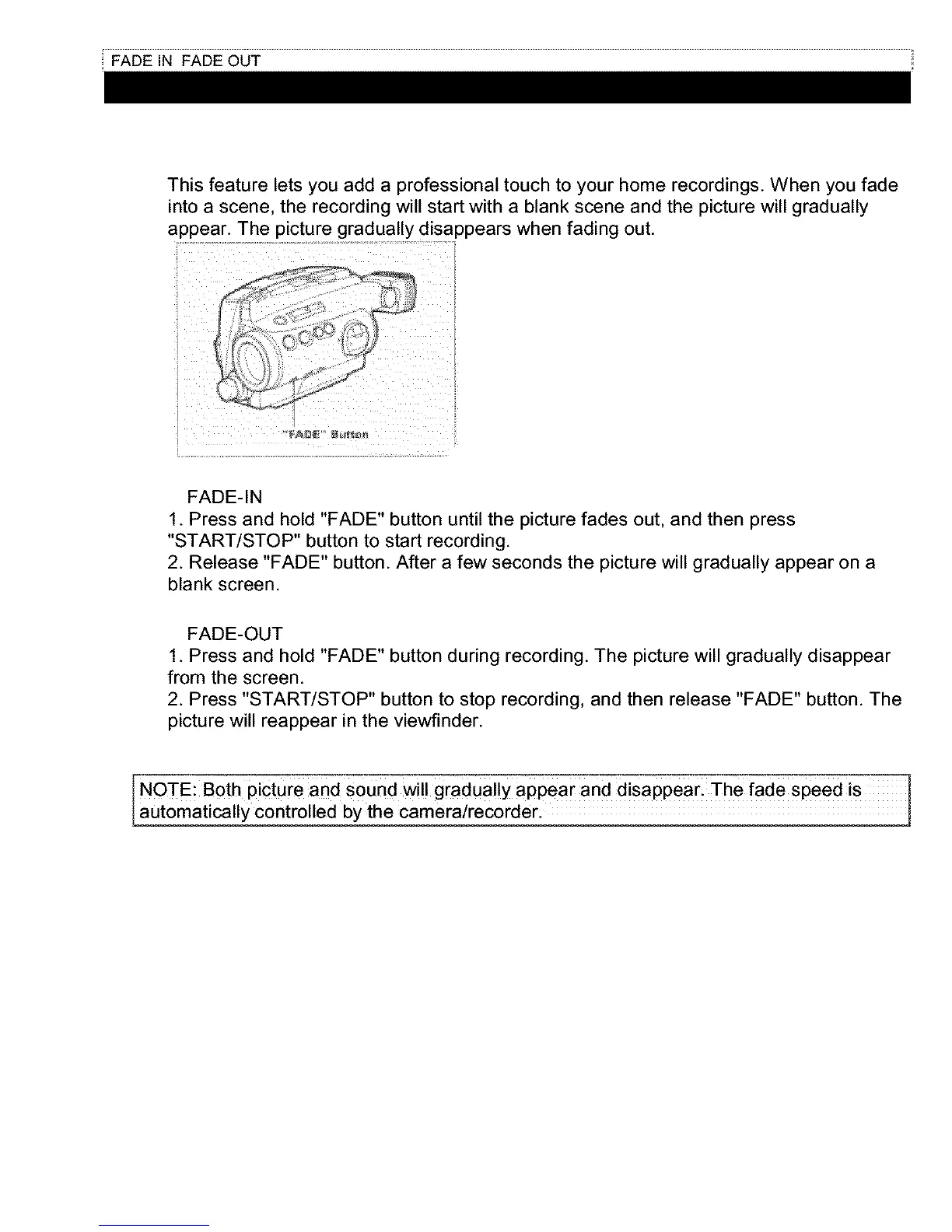
This feature lets you add a professional touch to your home recordings. When you fade
into a scene, the recording will start with a blank scene and the picture will gradually
appear. The picture gradually disappears when fading out.
FADE-IN
1. Press and hold "FADE" button until the picture fades out, and then press
"START/STOP" button to start recording.
2. Release "FADE" button. After a few seconds the picture will gradually appear on a
blank screen.
FADE-OUT
1. Press and hold "FADE" button during recording. The picture will gradually disappear
from the screen.
2. Press "START/STOP" button to stop recording, and then release "FADE" button. The
picture will reappear in the viewfinder.
I NOTE: Both picture and sound will gradually appear and disappearl The fade speed is
aUt0matically c0ntr011ed bythe camerairecorder.



 To Next Page