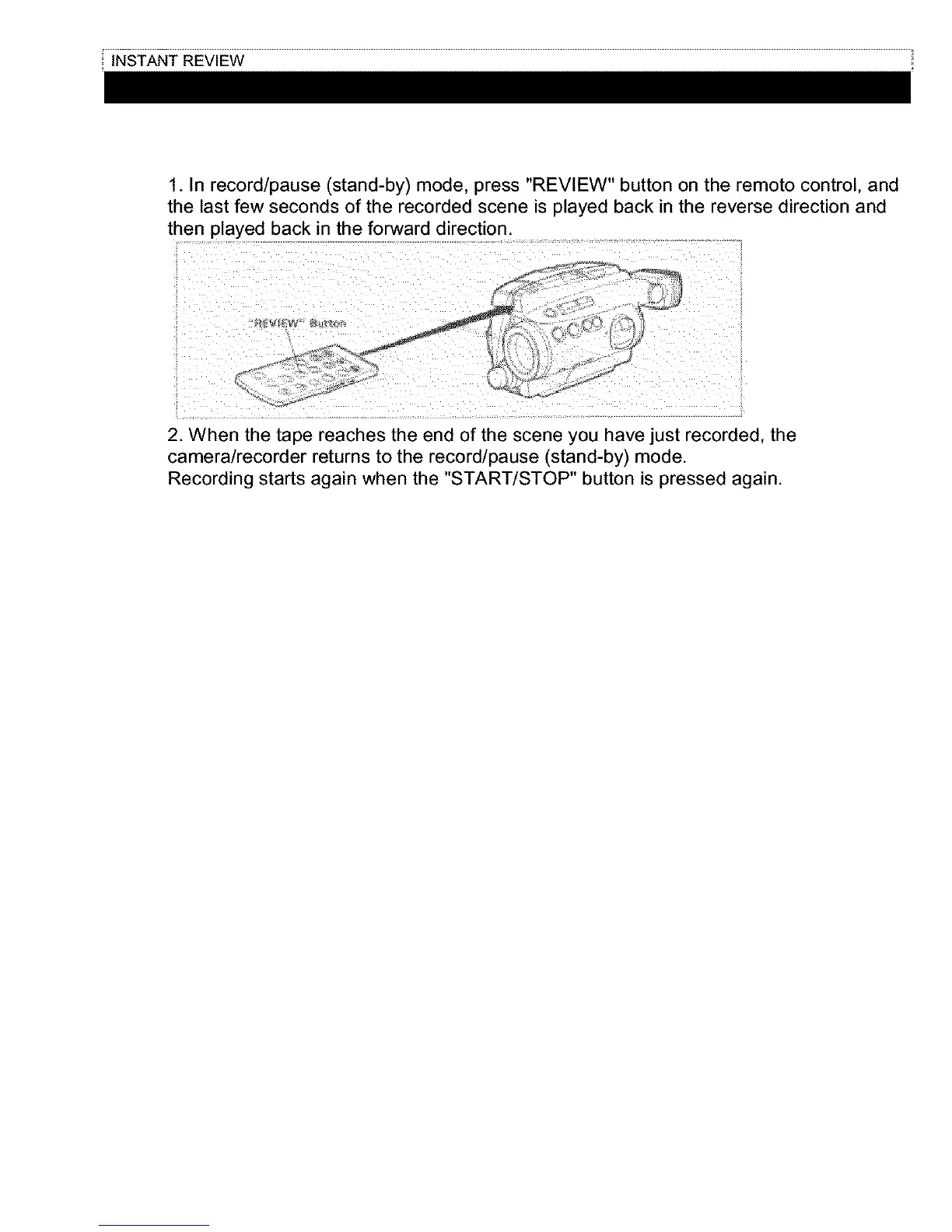
1. In record/pause (stand-by) mode, press "REVIEW" button on the remoto control, and
the last few seconds of the recorded scene is played back in the reverse direction and
then played back in the forward direction.
2. When the tape reaches the end of the scene you have just recorded, the
camera/recorder returns to the record/pause (stand-by) mode.
Recording starts again when the "START/STOP" button is pressed again.



 To Next Page