Since the camera/recorder has a dual time feature, if you go abroad to a country with a
different time, you can record the local time superimposed on the scene being shot.
1. Select [DU DATE/TIME] or [DU DATE] in the [DATE] parameter from the menu
shown on page 33.
[NOTE: YoU cannot set the second clock without having set the first clock. 1
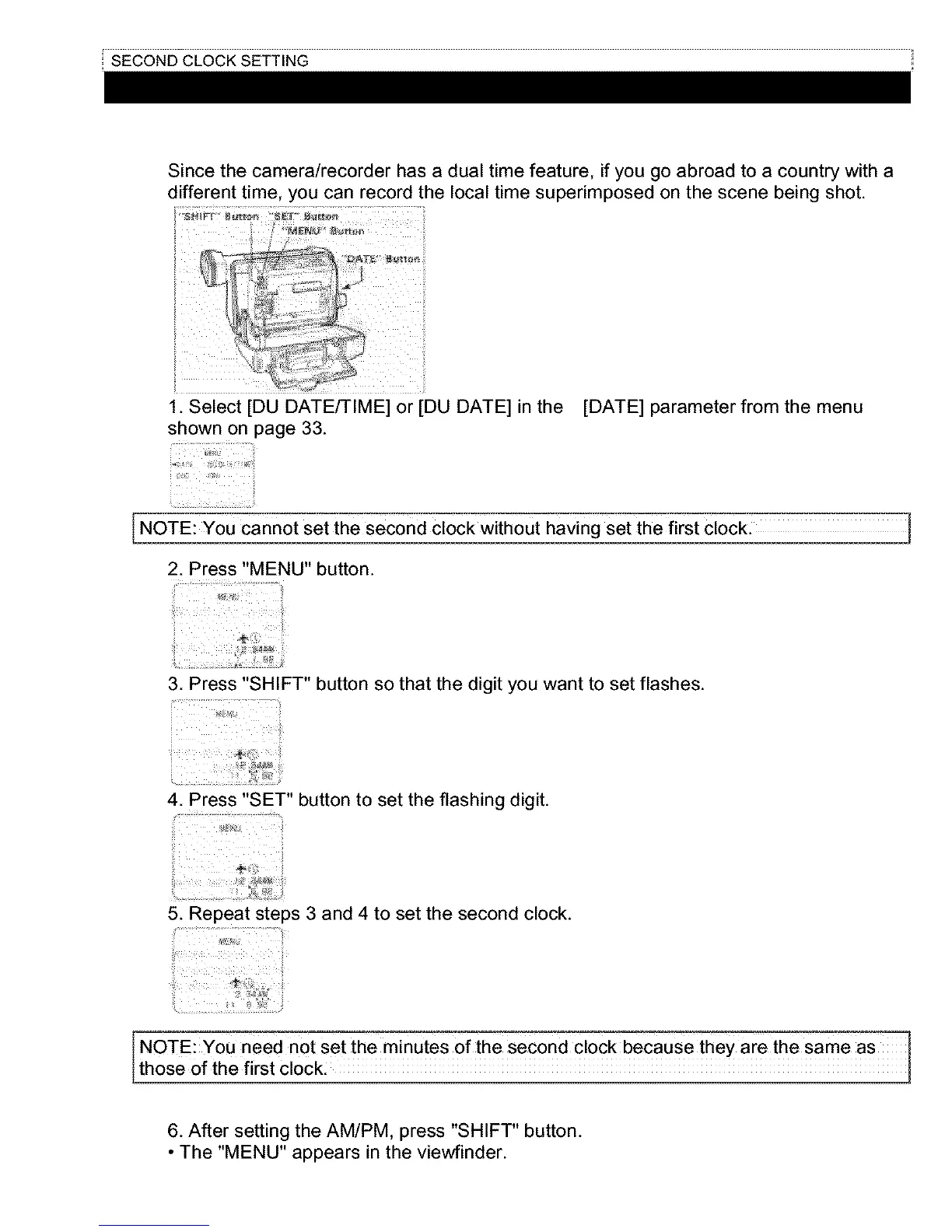
2. Press "MENU" button.
3. Press "SHIFT" button so that the digit you want to set flashes.
i i
4. Press "SET" button to set the flashing digit.
5. Repeat steps 3 and 4 to set the second clock.
I NOTE: YoU need not set the minutes of the Second clock because they are the Same as 1
those of the first clock: 1
6. After setting the AM/PM, press "SHIFT" button.
• The "MENU" appears in the viewfinder.



 To Next Page