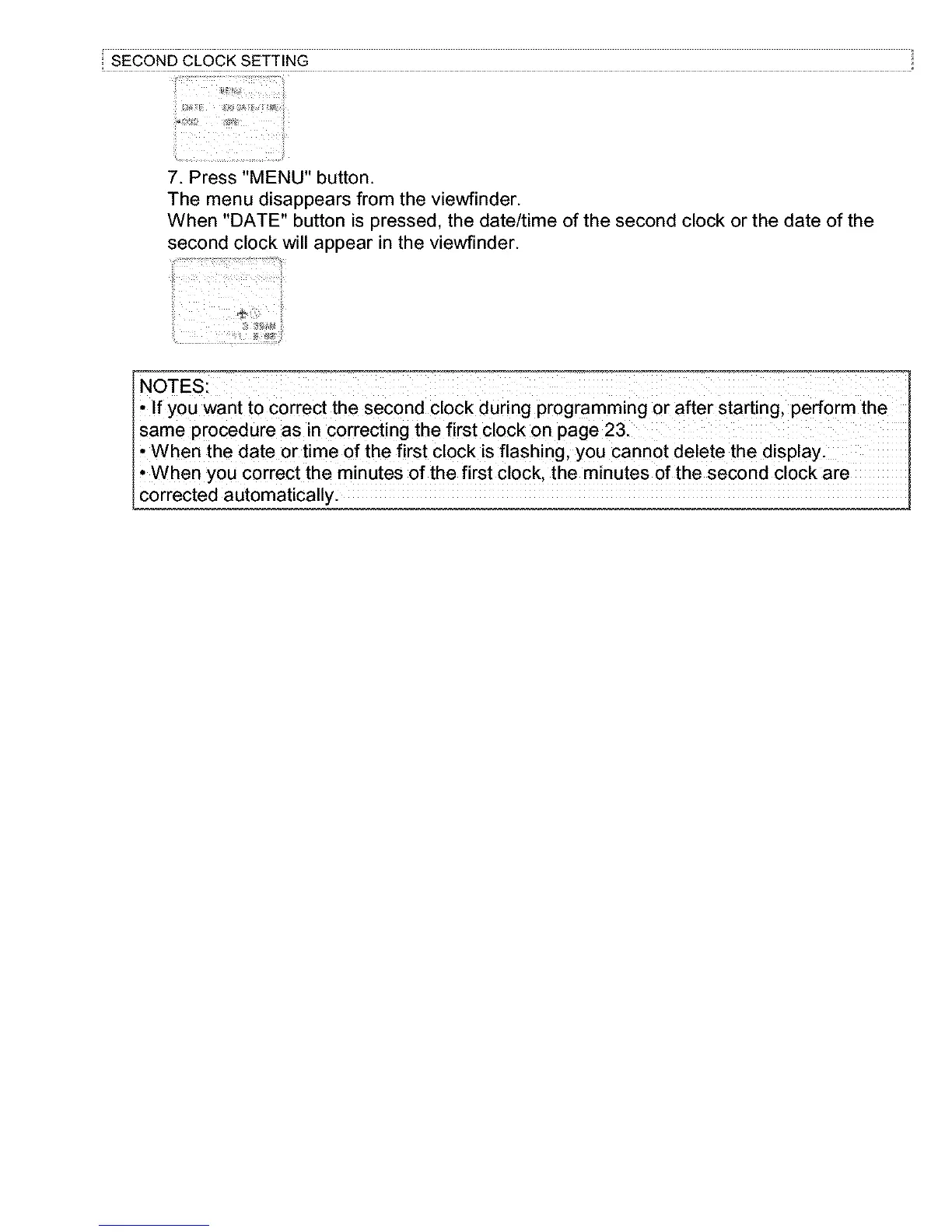
7. Press "MENU" button.
The menu disappears from the viewfinder.
When "DATE" button is pressed, the date/time of the second clock or the date of the
second clock will appear in the viewfinder.
NOTES:
• If you want to correct the second clock during programming or after starting, perform the
same procedure as in correcting the first clock on page 23.
• When the date or time of the first clock is flashing, you cannot delete the display.
• When you correct the minutes of the first clock, the minutes of the second clock are
corrected automatically.



 To Next Page