Version 1.0, 05/2013. Copyright 2012 Hitron Technologies
16
Version 1.0, 05/2013. Copyright 2013 Hitron Technologies
16
Hitron CDA-RES User’s Guide
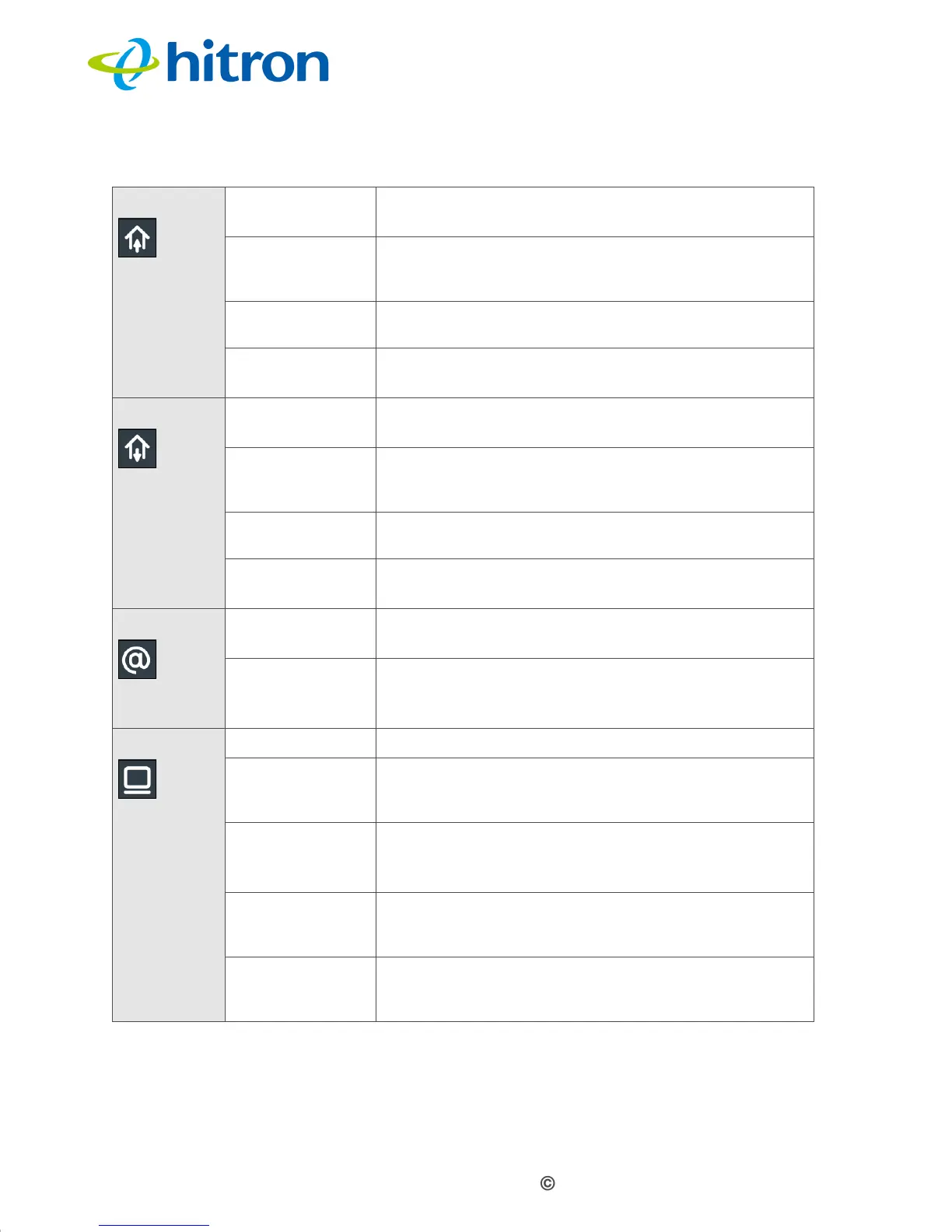
When you turn on the CDA-RES, the LEDs light up in the following order:
POWER
DS
Green, blinking
The CDA-RES is searching for a downstream
frequency on the CABLE connection.
Green, steady
The CDA-RES has successfully located and locked
onto a
downstream frequency on the CABLE
connection.
Blue, steady The CDA-RES is engaged in channel bonding on the
downstream connection.
Off There is no downstream activity on the CABLE
connection.
US
Green, blinking
The CDA-RES is searching for an upstream
frequency on the CABLE connection.
Green, steady
The CDA-RES has successfully located and locked
onto an upstream frequency on the CABLE
connection.
Blue, steady The CDA-RES is engaged in channel bonding on the
upstream connection.
Off There is no upstream activity on the CABLE
connection.
Status Green, blinking The CDA-RES’s cable modem is registering with
the service provider’s CMTS.
Green,
steady The CDA-RES’s cable modem has successfully
registered with the service provider and is ready for
data transfer.
LAN Off No device is connected to one of the LAN ports.
Green, blinking
A device is connected to the LAN ports via a Fast
Ethernet (100Mbps) link, and is transmitting or
receiving data.
Green, steady
A device is connected to the LAN ports via a Fast
Ethernet (100Mbps) link, but is not transmitting or
receiving data.
Blue, blinking
A device is connected to the LAN ports via a Gigabit
Ethernet (1000Mbps) link, and is transmitting or
receiving data.
Blue, steady
A device is connected to the LAN ports via a Gigabit
Ethernet (1000Mbps) link, but is not transmitting or
receiving data.
Table 3: LEDs


 To Next Page