Version 1.1, 09/2020. Copyright 2012 Hitron Technologies
97
Version 1.1, 09/2020. Copyright 2020 Hitron Technologies
97
Hitron CODA-551x User’s Guide
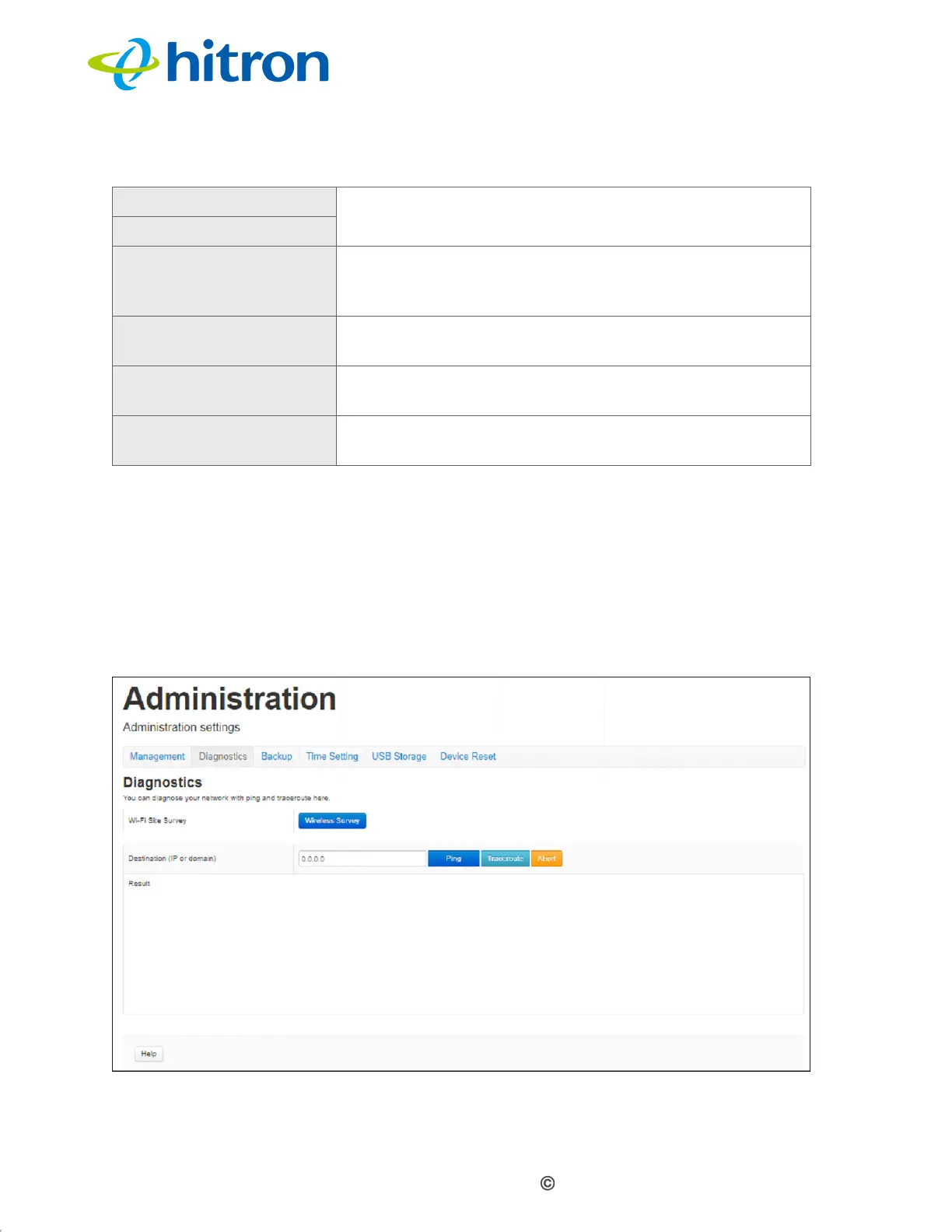
6.3 The Admin: Diagnostics Screen
Use this screen to perform ping and traceroute tests on IP addresses or URLs.
Click Admin > Diagnostics The following screen displays.
Figure 39: The Admin: Diagnostics Screen
New Password Enter and re-enter the password you want to use to log
into the CODA-551x for this account.
Confirm New Password
Idle Time Select the time interval after which an inactive user
should be logged out of the CODA-551x’s admin
interface.
Save Changes Click this to save your changes to the fields in this
screen.
Cancel Click this to return the fields in this screen to their last-
saved values without saving your changes.
Help Click this to see information about the fields in this
screen.
Table 29: The Admin: Management Screen (continued)


 To Next Page
 Loading...




