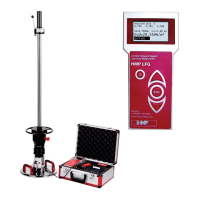
MEASURING
Service +49(0)391 2514666 02/2017 Instruction Manual HMP LFGpro – en
Start measuring
■
Start the measuring process by pressing the key, when button C is
active.
An acoustic signal is emitted; the measuring instrument is ready for
measurement.
The readiness for measurement only insists after acoustic signal.
Unless the weight is allowed to drop within 6 seconds after the
acoustic signal, confirm button a to restore the readiness for
measurement.
■
Successively perform 3 impacts as follows.
■
Lock the weight in the release mechanism.
■
Use the bubble level to align the guide tube until it is in a vertical position.
■
Release the lever, the drop-weight falls down, catch the rebounding drop-
weight by hand.
■
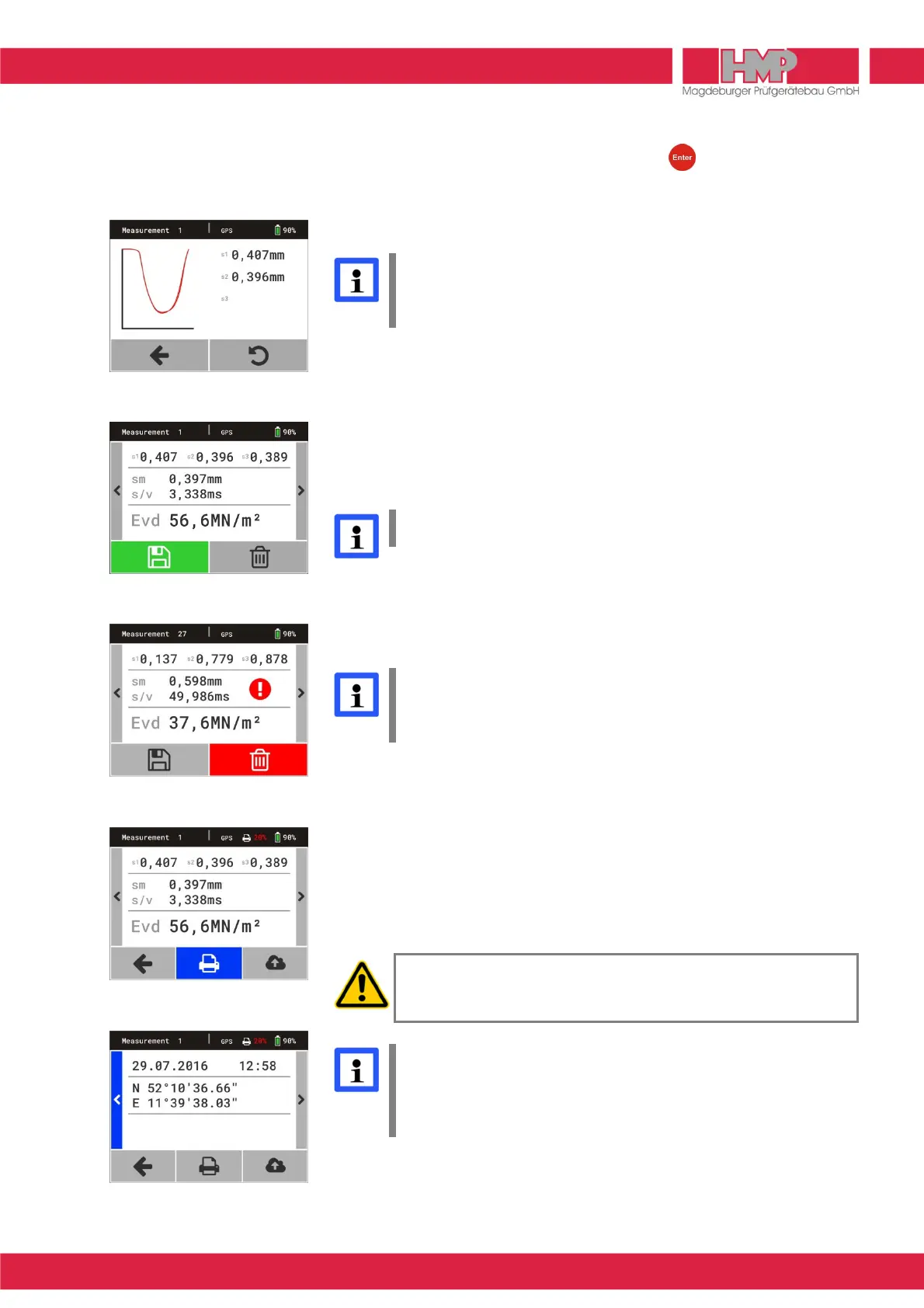
The values of settlement amplitudes s
1
, s
2
and s
3
with settlement curves
are displayed on the screen (Figure 13).
Failure to catch the rebounding drop-weight may cause undesirable
compaction of the test area and, hence, faulty measurements.
The measurement is automatically completed after the third impact. The menu
on the left (Figure 14) is displayed on the screen including the individual
settlement amplitudes, the average settlement s
m
, the
path-speed-ratio s/v
and
the calculated E
vd
-value.
If one settlement value deviates by 50% or more from the average
settlement s
m
an exclamation mark appears on the screen
(Figure 15). Probably it is a mismeasurement. This test series should
be rejected and measurement repeated
Store, Print and Display Current Measured Data
Upon completion of one measurement the current measured data can be
stored
E
or deleted
D
(Figure 14). After storing the current test series can be
printed
B
(only devices with printer) and/or exported
Q
(Figure 16) and there
is the possibility to display the curve data and the GPS data
M N
(Figure 17)
.
Before using the thermal printer AP1300 please read the instruction
manual (
page 19) and follow the given instructions regarding
putting it into operation and handling.
It is recommended to export the measured data stored in the
measuring instrument regularly ( page 14) and to delete afterwards
the data in the measuring instrument (
page 15).
In this way the transference time will be shortened and multiple data
transfer avoided.



 To Next Page