SETTINGS
Service +49(0)391 2514666 02/2017 Instruction Manual HMP LFGpro – en
General
Via button
F
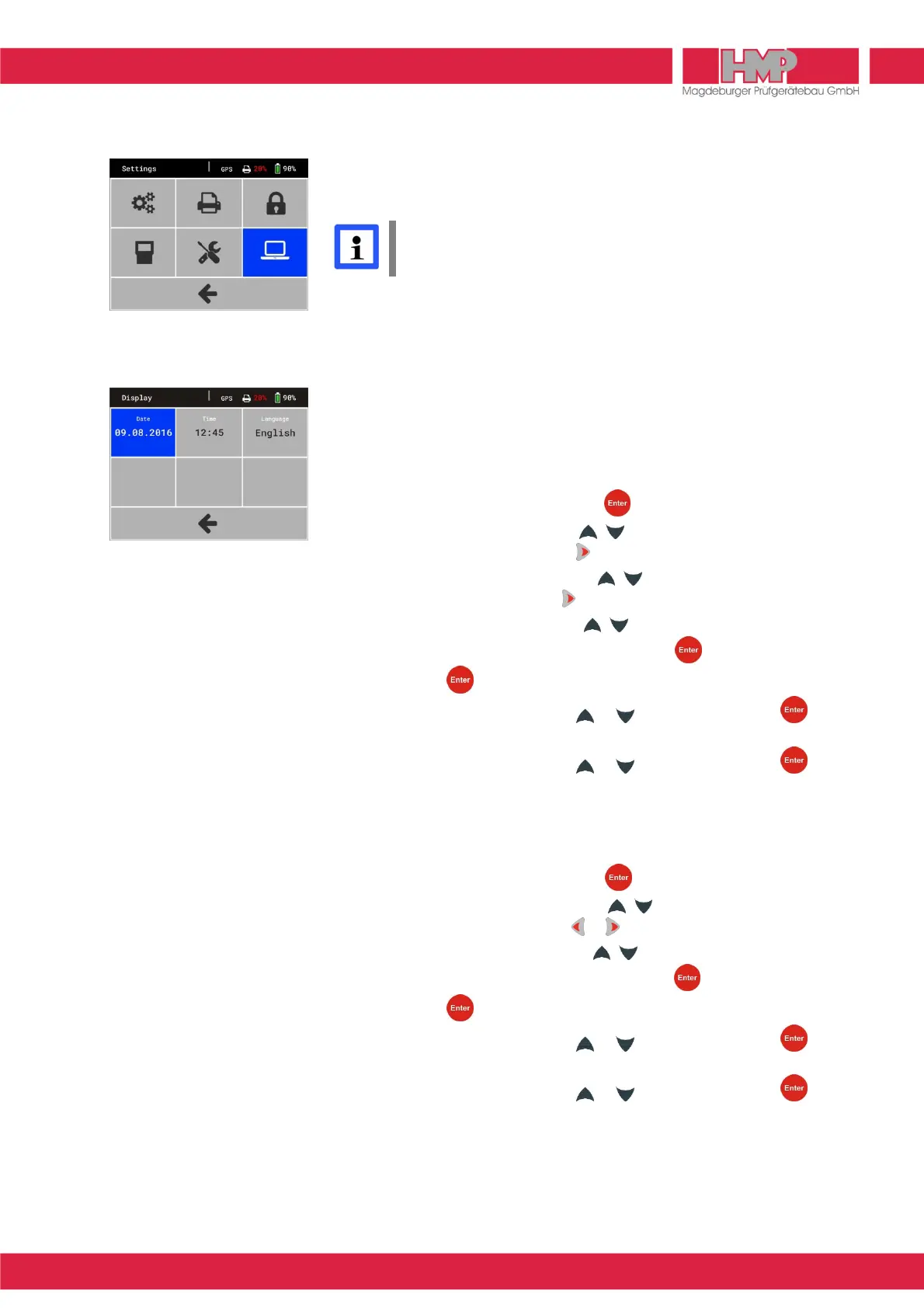
in the main menu you can reach the menu settings (Figure 30),
in which different display-, device- and printer settings can be carried out.
All carried out settings are only saved, when returning to the main
menu. In case that the measuring instrument is switched off before,
all modifications get lost.
Display
In menu »Display«
K
settings for date, time and language can be carried out
(Figure 31).
Set Date
■
Select button »Date« and confirm with key.
■
Change the day by means of the keys.
■
Select the month by pressing the key.
■
Change the month by means of the keys.
■
Select the year by pressing the key.
■
Change the year by means of the keys.
■
Confirm the current date setting by pressing the key.
By pressing the key the menu »date« can be left at any time.
■
Select Footer G by means of the or key and confirm with key.
The menu »Settings« appears.
■
Select Footer G by means of the or key and confirm with key.
The set date will be saved and the main menu appears.
Set Time
■
Select button »Time« and confirm with key.
■
Change the minutes by means of the keys.
■
Select the hours by pressing the or key.
■
Change the hours by means of the keys.
■
Confirm the current time setting by pressing the key.
By pressing the key the menu »Time« can be left at any time.
■
Select Footer G by means of the or key and confirm with key.
The menu »Settings« appears.
■
Select Footer G by means of the or key and confirm with key.
The set time will be saved and the main menu appears.



 To Next Page