How to configure an Anybus AS-Interface Master module
SCM-7032-036
Rev 1.02
3 Changing to Configuration mode
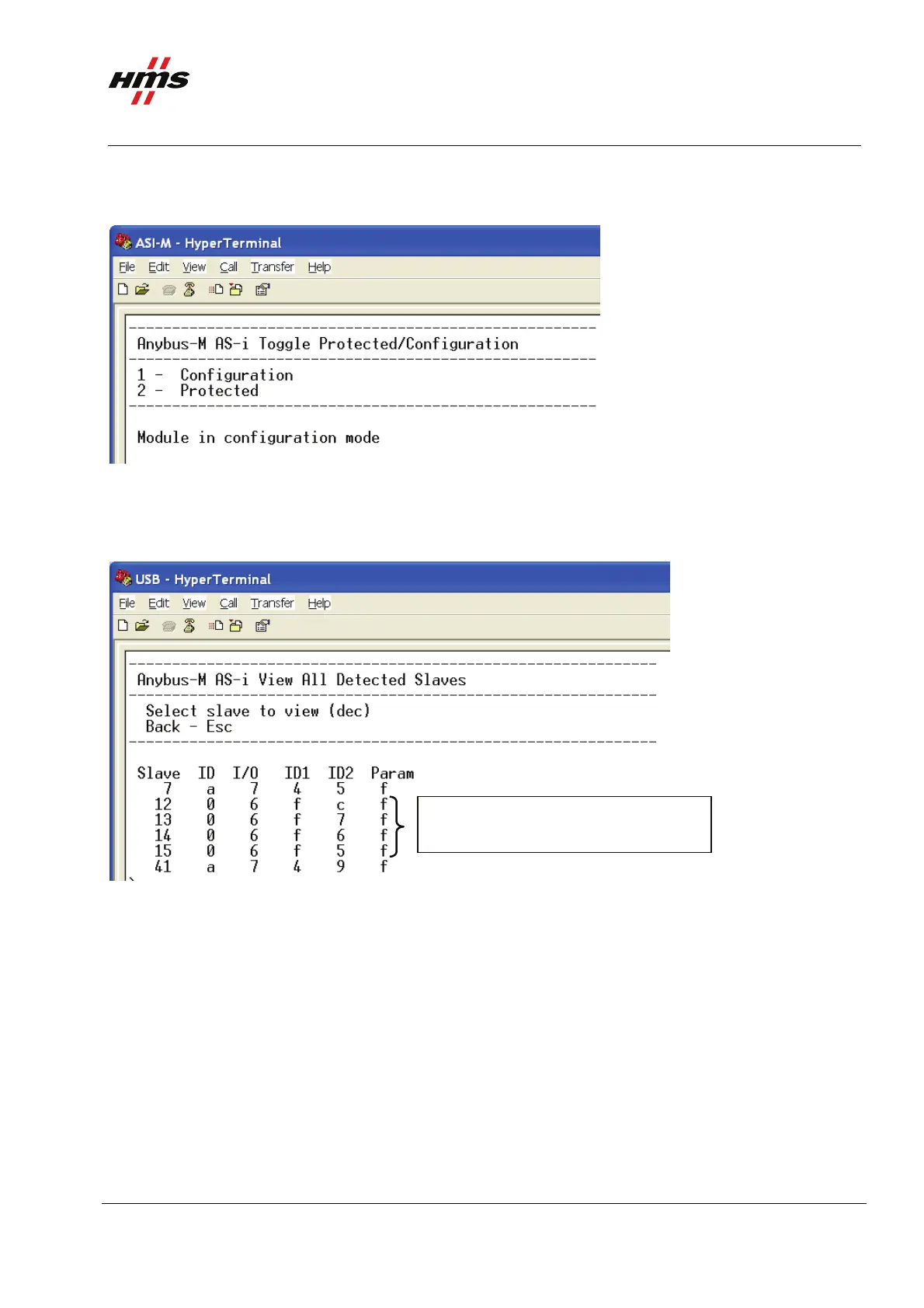
Enter 5 in the main menu and change the mode to Configuration mode.
Figure 8 Changing the mode of the AS-Interface Master.
4 Viewing all detected slaves.
Enter 3 in the main menu to view all detected slaves.
One slave with profile S-6.0.C, CTT5
Figure 9 Viewing all detected slaves on the AS-Interface network.
In this case 3 slaves are detected. The slaves 7 and 41 use both digital and analogue data. Slave 12 uses
digital data only. Enter the number of the individual slave to view the settings in detail.
www.anybus.com HMS Industrial Networks AB
Page 11 (19)



 To Next Page