How to configure an Anybus AS-Interface Master module
SCM-7032-036
Rev 1.02
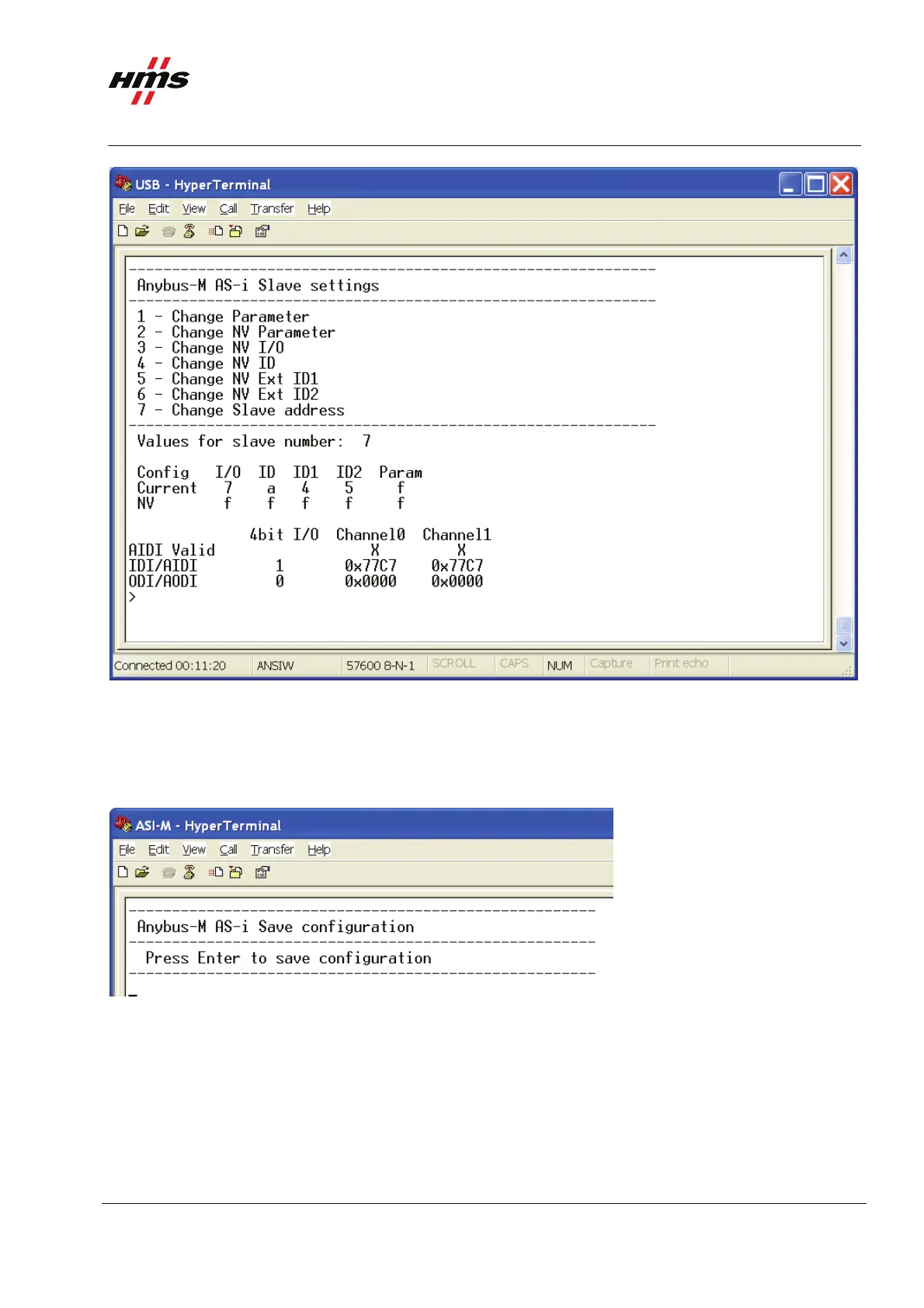
Figure 10 Viewing the slave settings.
The settings can now be changed if desired. In this case the settings are left at the default values.
5 Saving the configuration.
The next step is to save the configuration. Enter 8 in the main menu to open the Save configuration menu.
Figure 11 Saving the configuration.
Then press Enter to save the configuration.
www.anybus.com HMS Industrial Networks AB
Page 12 (19)



 To Next Page