How to configure an Anybus AS-Interface Master module
SCM-7032-036
Rev 1.02
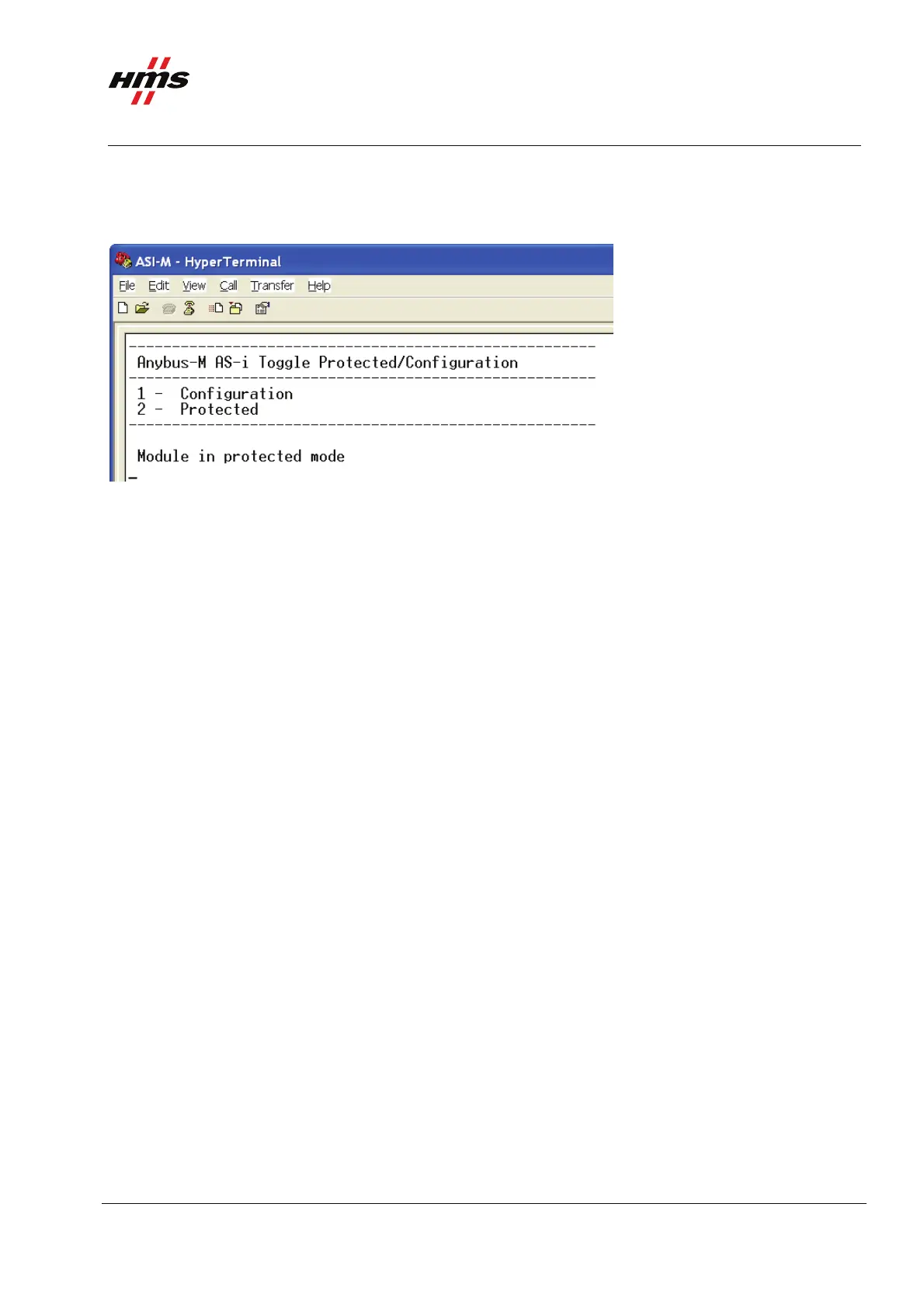
6 Changing to protected mode.
The final step is to change the operation mode to protected mode.
Figure 12 Changing the AS-Interface Master mode to Protected mode.
7 Disconnecting the Terminal connection.
In the HyperTerminal press the disconnect button and disconnect the serial cable. The module now changes
to Running mode.
8 Network running.
If the configuration is successful the network is now online and running. The Running/RUN LED is now
solid green and Network Status LED and Module Status LED are flashing green. Auto prog./AUP LED is off
indicating no error.
www.anybus.com HMS Industrial Networks AB
Page 13 (19)



 To Next Page