7. Electrical Installations
113
General information regarding the TFT display
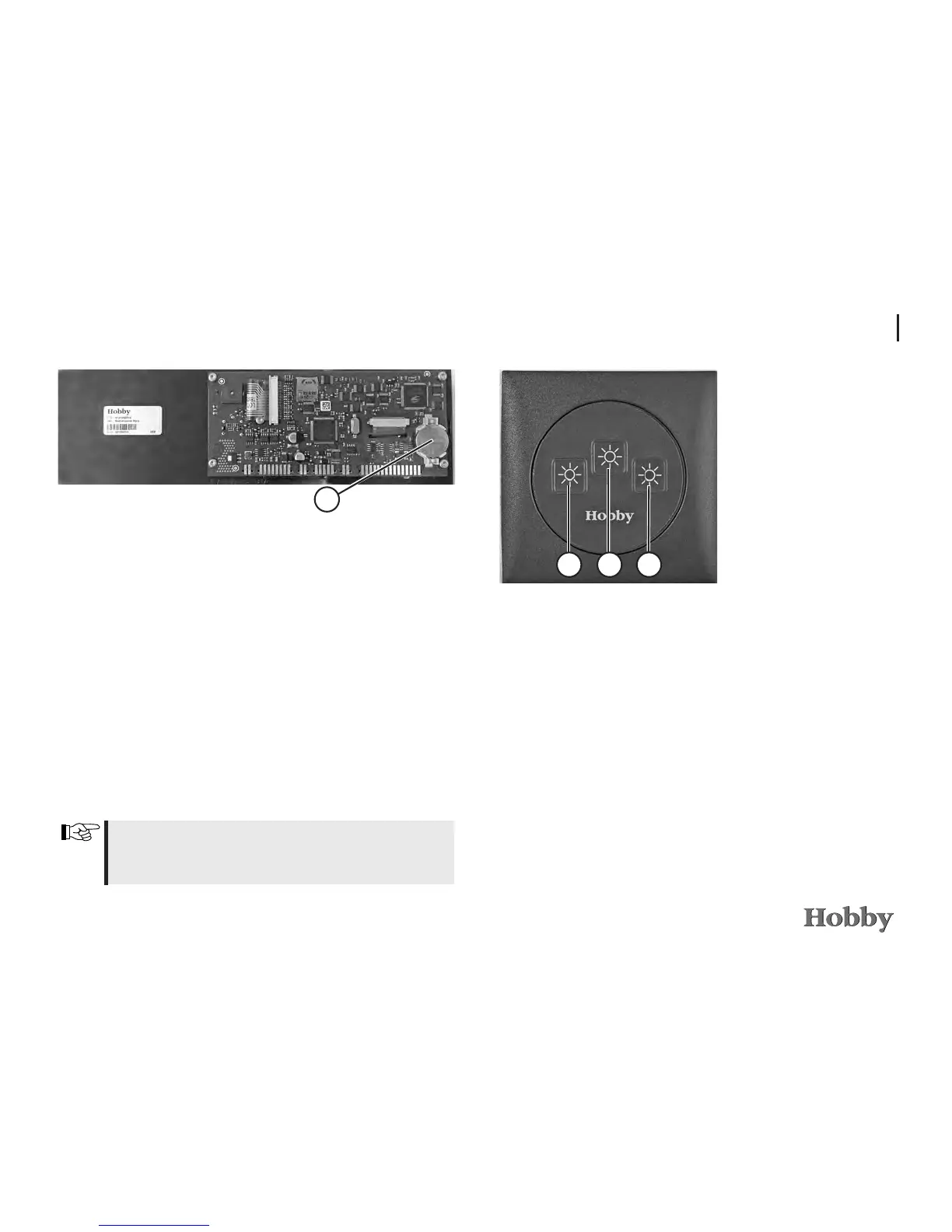
Thetimeanddatearebueredbya3V210mAh,CR2032
typebuttoncell.If,therefore,thetimeshouldbeincorrect
ortheclockshouldstopworking,thisbuttoncellmustbe
replaced.
Itismountedonthereverseofthecircuitboard
j
of the
LCDdisplay.Toreplacethisbuttoncell,theLCDdisplaymust
beremovedfromthefurniturefrontbycarefullyclippingthe
chrome-platedframeoutofitsholder.Youwillthenseethe
screwsthatfastentheplasticparttothefurniture.Loosen
thesescrewstodetachthedisplay.
Whenreplacingthebuttoncell,pleaseensurethatplus
andminusareintherightdirection.Incorrectpolaritymay
causethedisplaytobecomedefect.
1
Remote control(s), bed
321
•Brieypressthekeyoneachremotecontrolbythebed
to switch on the left light
j
, right light
l
.Thekey
k
switches the ceiling lights above the seating arrangement or
sleepingareaonando.Presslongeronthekeytoregulate
how brightly you want the lights to shine. The brightness
yousetwillbesaved;whenthelightsareswitchedon
again, the brightness you originally set will also be switched
on again.
Exception: remote control for alcove and alcove bed
•Onthisremotecontrol,thekey
k
is used to switch on the
kitchenspotlights.
Circuit board (reverse side)
of TFT display






 To Next Page