10. Built-in devices 167
Function modes
• Water heating
• Heating and water heating
• Heating
Operating device
When in the idle position, the device shows which heating
functions have been activated; the background lighting of the
display is o.
After two minutes, the operating device automatically swit-
ches from the set position to the idle position if no button has
been pressed or if the idle position has been set using the
arrows.
For further detailed information on operation, handling
and maintaining the hot-water heating system, please
refer to the separate operating instructions for “Alde
Compact 3020”.
Use the panel by the entrance to operate the basic functions
of the hot-water heating system (see p. 61).
If the hot-water heating system is on, the waste water tank will
be heated electrically. Please refer to the descriptions on p. 93.
Control panel for the hot water heating system
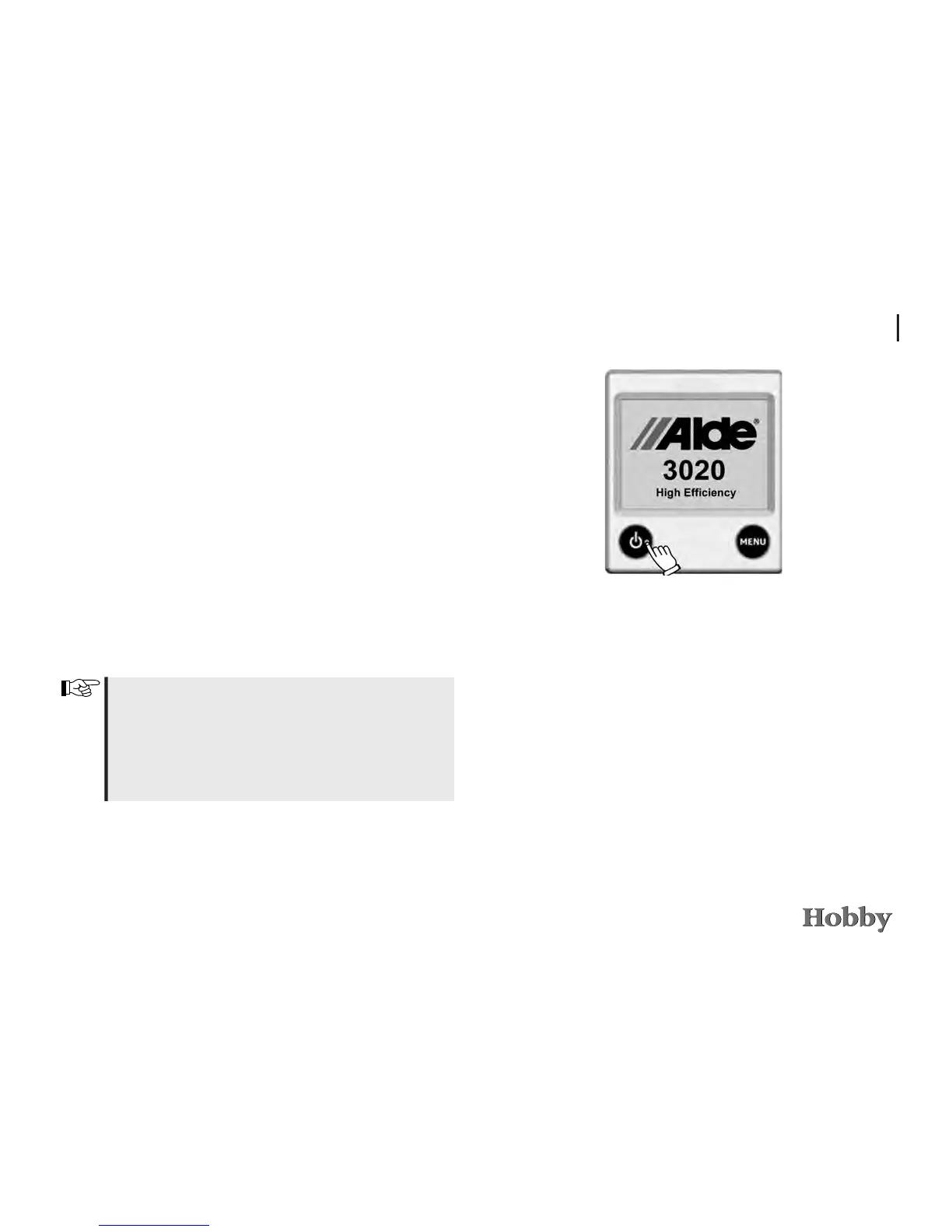
To start the hot water heater
To start the heating system, press the On/O button and the
start image will appear. The heater will start with the settings
that were last used.



 To Next Page