10. Built-in devices 169
Settings menu
Settings menu
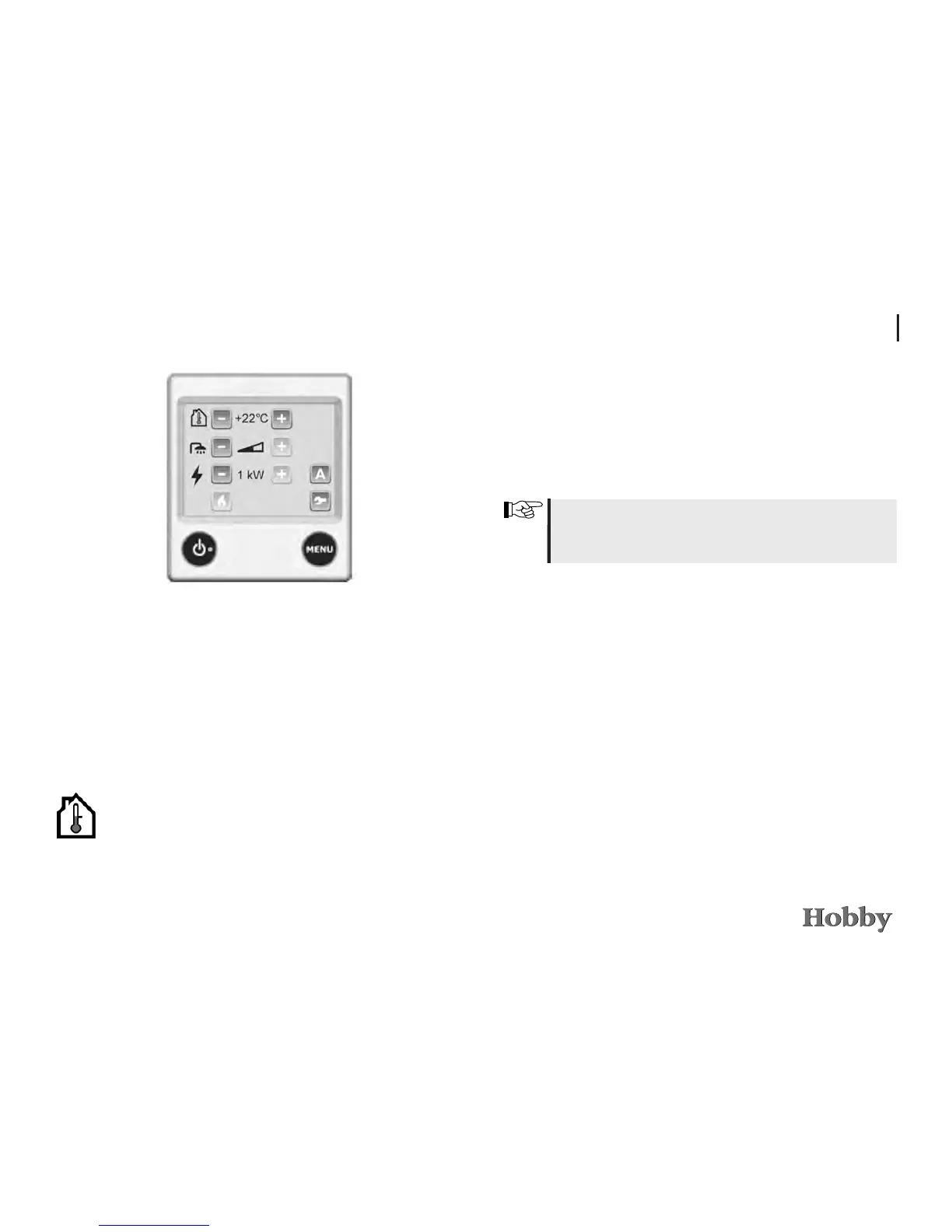
Start the settings menu by pressing the MENU key. The back-
light goes on and those functions that can be set will be dis-
played. The control unit will switch to the idle position after 30
seconds if the screen is not operated.
Setting the desired temperature
The temperature can be set from +5 °C to +30 °C in steps of
0.5 °C.
1. The temperature shown is the temperature presently set.
2. Raise the temperature by pressing "+". Lower the tempera-
ture by pressing "–".
3. The settings are now nished and the heating will run until
the set temperature has been reached.
It is not possible to set any temperature if the daytime or
nighttime automatic system is in operation. The plus and
minus icons are then greyed out.



 To Next Page