Starting ezTour
Once the ezTo u r is well installed in your computer, the ezTour icon
will appear on your desktop as
a shortcut. Double-click the icon to start ezTour.
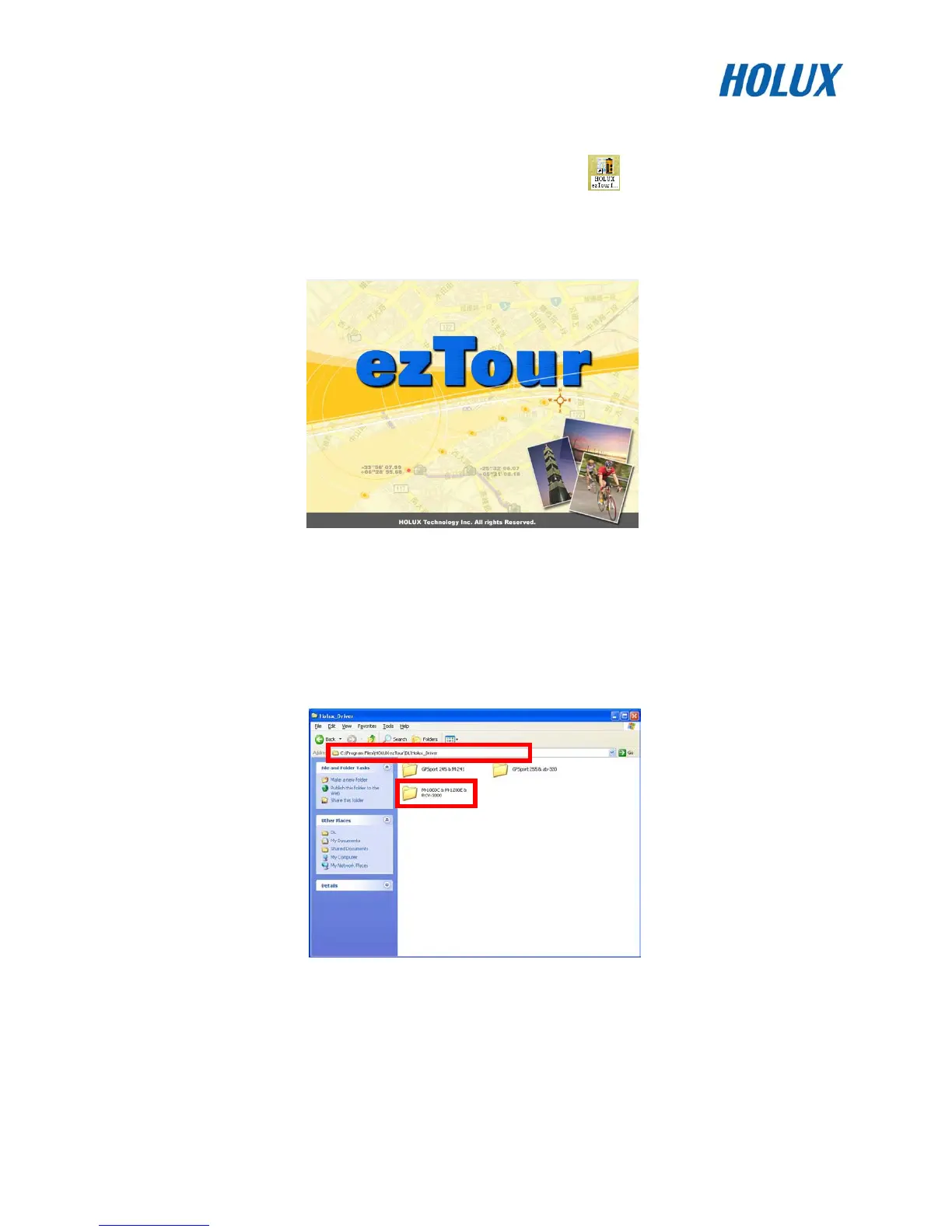
The following opening screen appears and you are ready to use the software.
Installing Driver
1. After the ezTour is installed, you can open the ”Holux_Driver” folder and install driver.
For 32bit OS: the path is “C:\Program Files\HOLUX ezTou r\DL\Holux_Driver“.
For 64bit OS: the path is “C:\Program Files(x86)\HOLUX ezTou r\DL\Holux_Driver“.


 To Next Page
 Loading...