EasyManua.ls Logo

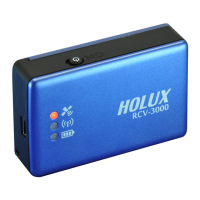
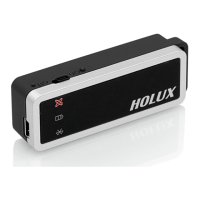
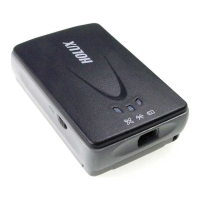
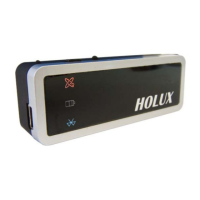
Holux RCV-3000 - Getting Started; Step 1: Charge Battery; Step 2: Turn On Power & Bluetooth Status

Holux RCV-3000
23 pages
Print Icon
To Next Page IconTo Next Page
To Previous Page IconTo Previous Page
Loading...
9
Getting Started
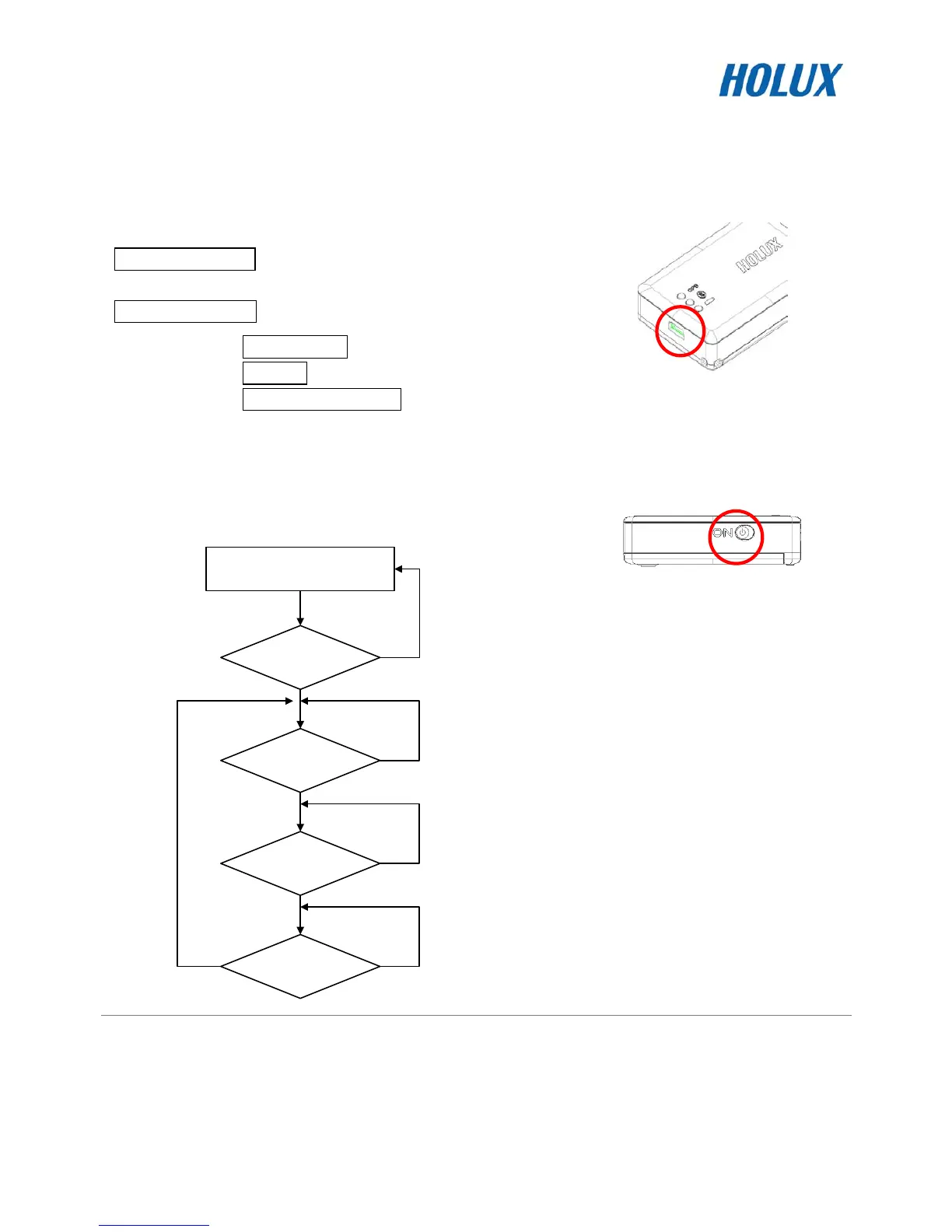
STEP 1. Charge Battery
Please charge battery till LED off for the first time.
Power cable plug in Power cable connect to power socket
Charge Battery
Battery
indicator light:
Power too low -------------- Red LED on
Charging --------------------- Green LED on
Full or Not in charging ---- LED off
Mini USB socket
STEP 2. Turn on the power
Bluetooth Status

Turn on RCV-3000 power
Searching
Bluetooth device
Data
is transferring?
Stop data
transferring?
Reconnect
Bluetooth device?
No
No
No
No
Yes
Yes
Yes
Yes
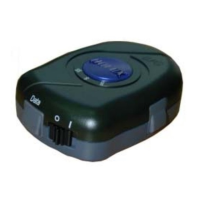
Power switch
Blue LED blinking
(1 time/ 3 sec)
Transferring…
Blue LED blinking
(1 time/ 1 sec)
Waiting for reconnection…
Blue LED blinking
(1 time/ 3 sec)