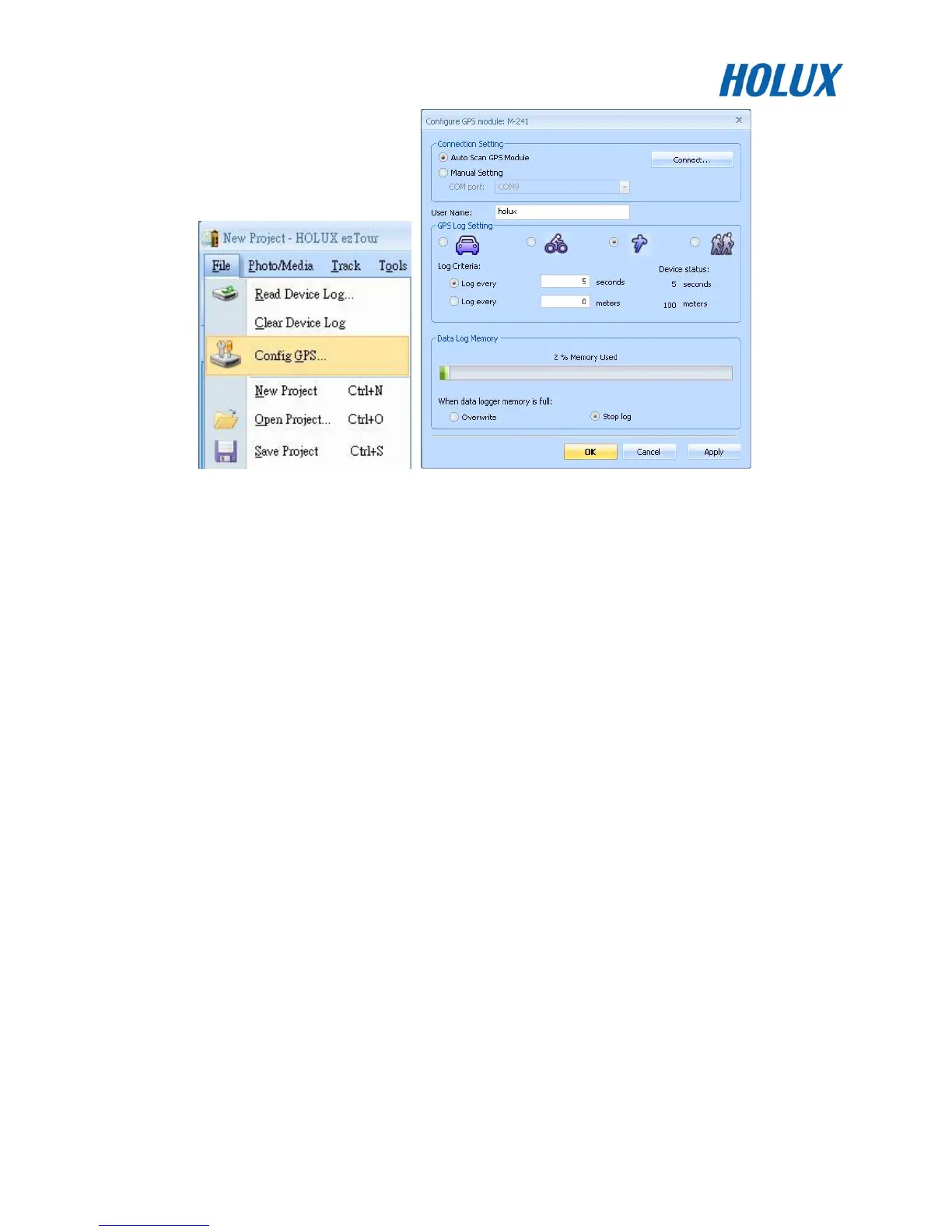
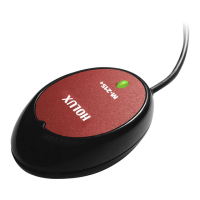
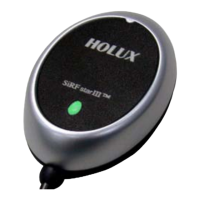
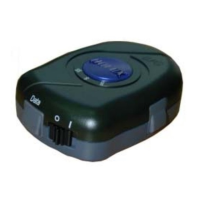
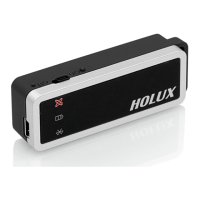
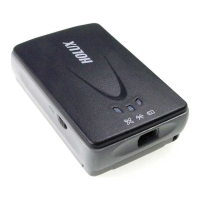
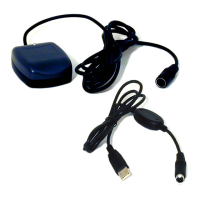
4. Make sure that the RCV-3000 is connected to a PC or notebook, and select [reconnect] or [manual
settings]
5. The logger can be set to record by a set time or set distance. The conditions for recording can be set
the following ways:
(1) Select car, bicycle, exercising, or walking mode.
(2) Manually set the time or distance.
6. When the logger’s data storage is full, there are two modes to choose from:
(1) Rewrite: When the data is full, data will begin to be rewritten, overwriting the data from the
beginning.
(2) Terminate: When the data is full, the logger will cease to record any further data.
7. Press [Confirm] to start logging according to the new setting.
Data Read
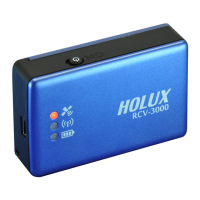
When the logger RCV-3000 is connected to a PC or notebook through USB or Bluetooth, the data can be
extracted through ezTour. Please see ezTour instruction manual for details.


 To Next Page