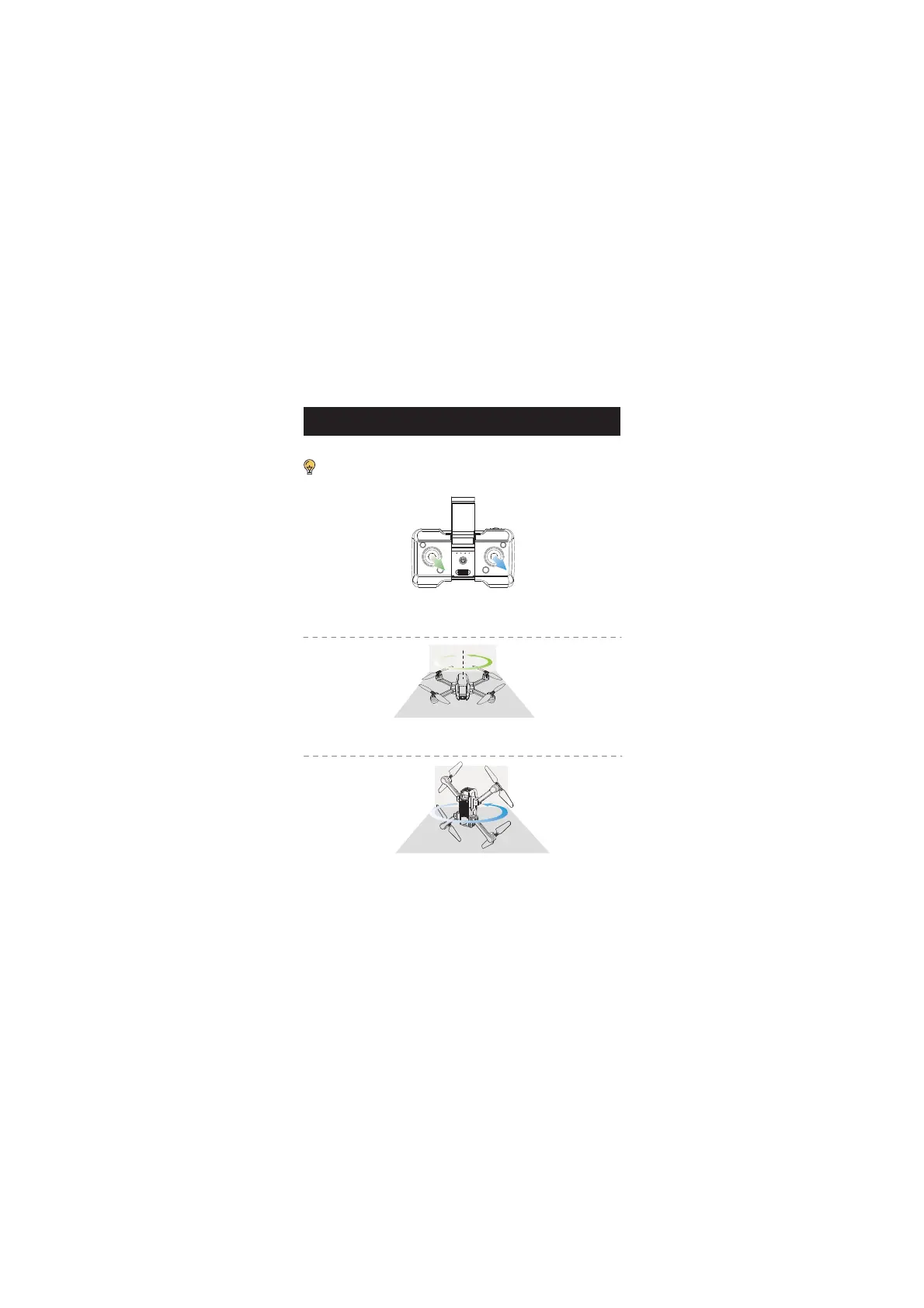
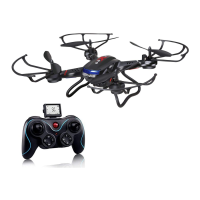
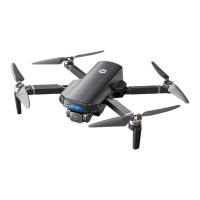
Compass Calibration
STEP 1: Push both the right and left joysticks simultaneously to the
bottom right corner. The transmitter beeps twice. The drone status LED
starts to flash yellow. You can proceed to step 2.
STEP 2: Keep the drone parallel to the floor, and spin it three times.
Once the transmitter beeps once. You can proceed to step 3.
STEP 3: Point the head of the drone upward, and spin the drone three
times. Once the transmitter long beeps which means that you have
successfully performed a compass calibration.
The drone will perform a mandatory compass calibration before the
initial flight. So you can skip step 1 if this is the first time you fly your drone.
FLIGHT


 To Next Page