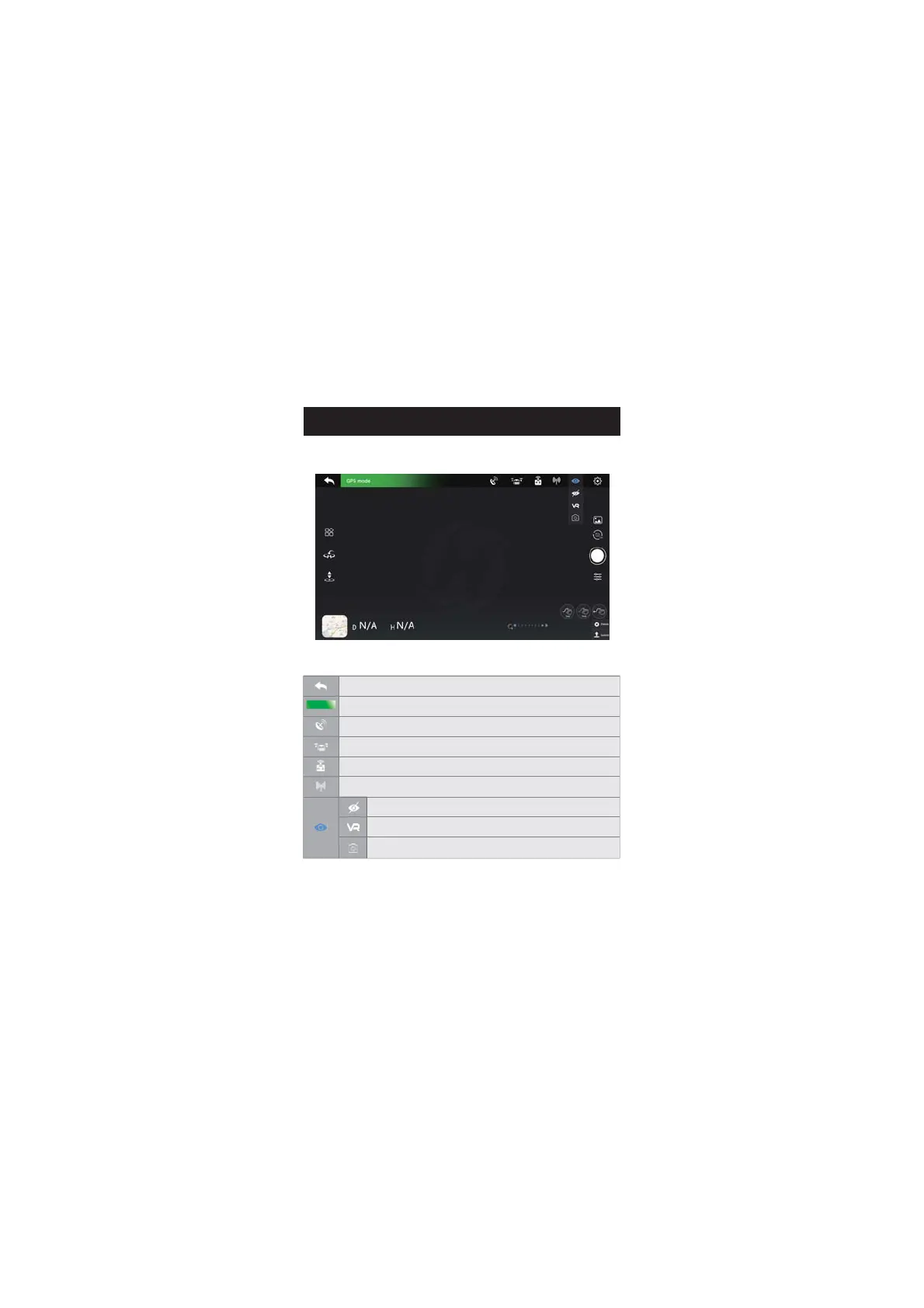
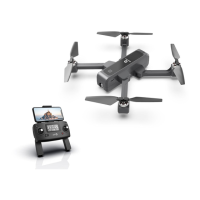
The Interface
GPS mode
Return: Tap to return to the home screen.
System Status: Displays the current flying status of the drone and warnings.
Battery Level (drone): Realtime display of the current battery level of
the drone.
Signal Strength (GPS): Display the strength of the GPS signal.
Transmitter Signal: Displays the signal strength of the transmitter.
WiFi Signal: Display of the signal strength between the cellphone
and the drone.
Screen Rotation: Tap to turn the cellphone’s screen upside down.
Hide: Tap to hide all the icons.
VR Split Screen: Tap to turn on the VR mode. Then put your cellp-
hone into a VR headset (not included) to view the live-feed in 3D.
APP OPERATION INSTRUCTION


 To Next Page