APP OPERATION INSTRUCTION
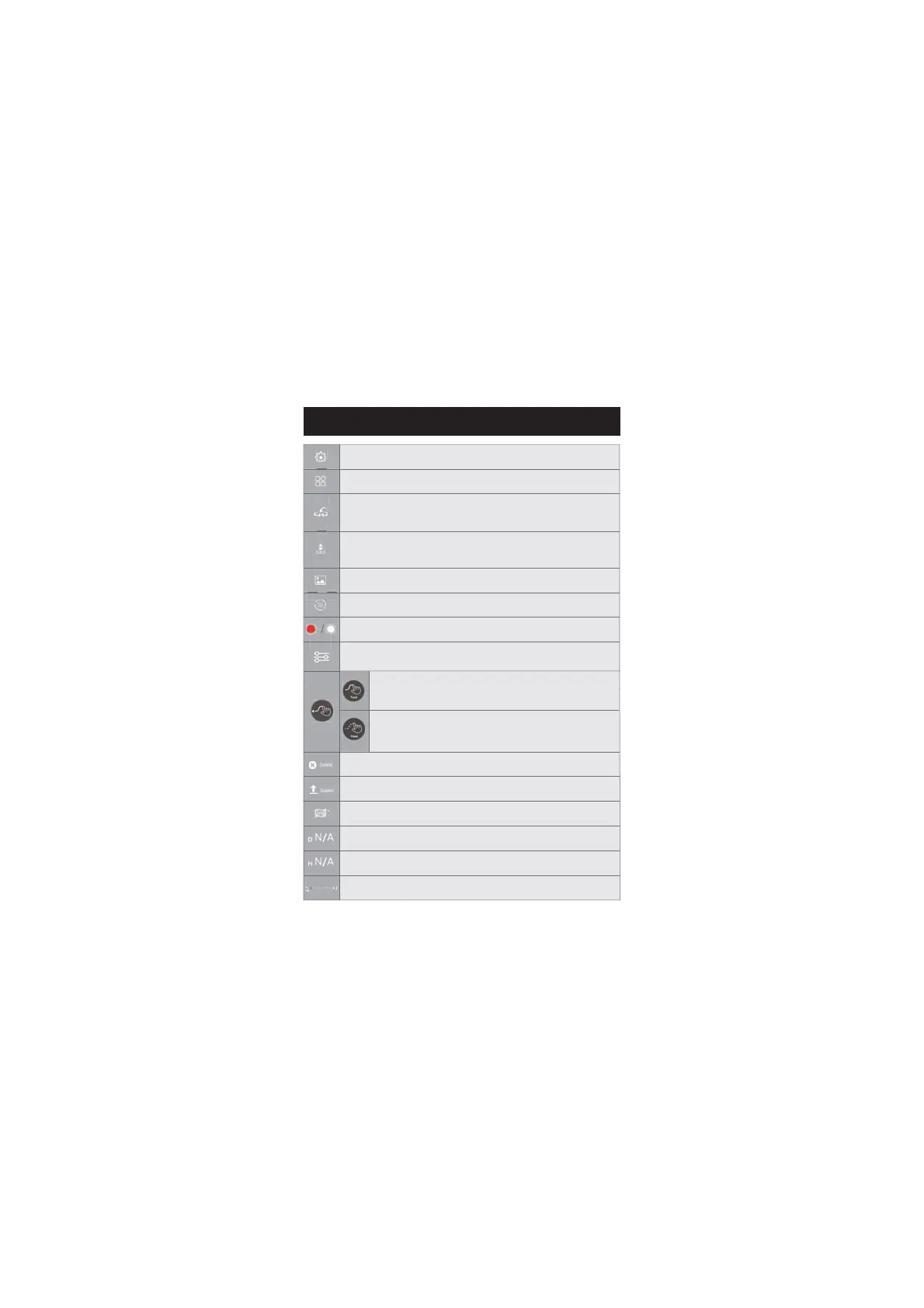
Take off/Land: Tap once, the drone will take off to a height of 4 ft. Tap
again, the drone will slowly descend to the ground.
Gallery: Tap to view the photos and videos taken by the drone camera.
Photo/Video: Tap to switch between photo taking and video recording.
Shutter: Tap to take a picture or start or stop recording a video.
View: Tap to switch between the map view and camera view.
Zoom In/Out: Slide to zoom in and out.
Flight Setting: Tap to enter the setting interface. Alter settings for flight
height/distance, etc.
Return to Home: Tap to activate the RTH function. The drone will fly
automatically back to the Home Point.
Submit: Tap to submit the chosen function.
Delete: Tap to cancel the chosen function.
Multifunction: Tap to choose from various flight functions.
Flight Distance: Drone’s horizontal distance from the Home Point.
Flight Altitude: Drone’s vertical distance from the Home Point.
Camera Settings: Tap to enter camera settings. You can choose between
2.5K and 4K resolutions.
Tapfly 2: The drone flies along the path generated by
connecting the points you tap on the screen in order.(Please
first tap on the map to enlarge it, then set the path. )
Tapfly 1: The drone flies along the path you draw on the screen.
(Please first tap on the map to enlarge it, then set the path.)


 To Next Page