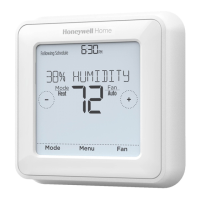
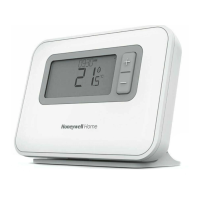
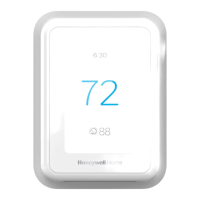
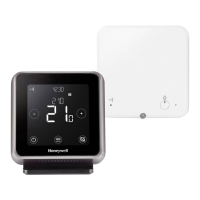
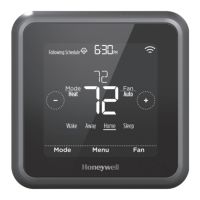
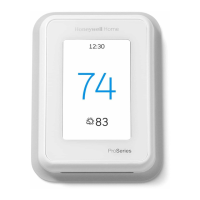
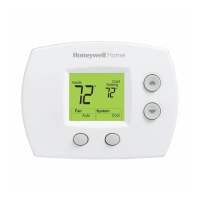
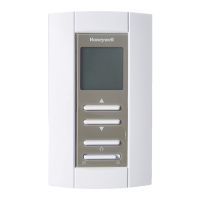
1. The batteries need to be replaced when BATT, the alert icon , and the battery icon are displayed on the Home
screen.
2. When the battery power is very low, the thermostat’s backlight is disabled to save battery power.
3. When battery power is critically low, only BATT, the alert icon , and the battery icon are displayed.
Air Filter Reminder
1. The alert icon appears on the Home screen.
2. Press Menu, and then press + until display shows ALRT.
3. Press Select to display which alert(s) are present.
4. The message REPL (REPLACE AIR FILTER) appears.
5. The reminder can be snoozed or cleared.
Resideo recommends changing the air filter before clearing the reminder.
6. To snooze, press Select. The word SNZE (SNOOZE) appears.
7. Press Select again to snooze the reminder for days.
8. To clear, press Select, and then press + to go to CLER (Clear).
9. Press Select to clear the air filter reminder.
Snoozing and Clearing Alerts or Reminders*


 To Next Page
 Loading...