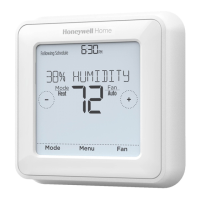
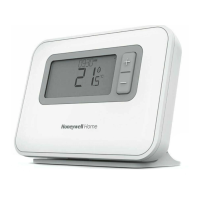
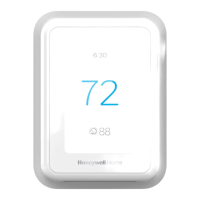
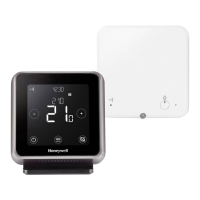
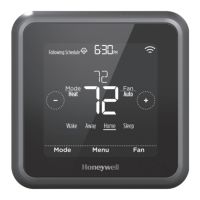
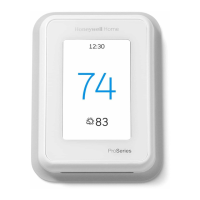
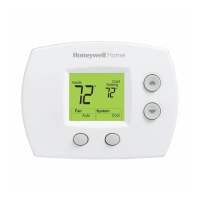
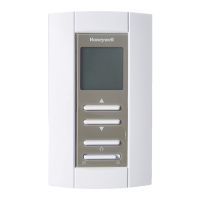
NOTE: To temporarily or permanently override any of the above program schedules, see page 4.
To adjust program schedules
1. Press Menu on your thermostat.
2. PROG is displayed. Press Select. Then ON is displayed. (If you do not want to use a schedule, press + or – to display
OFF. Press Select.) Press Select.
3. Press + or – to select day or set of days to edit. Press Select.
4. Press + or – to select a schedule period to edit (Wake, Away, Home, and Sleep). Press Select.
5. ON is displayed. Press Select to keep the schedule period on. Or press + and then Selectto turn off the schedule
period.
6. Time starts blinking. Press or adjust the schedule period start time. Press Select.
7. The temperature starts blinking. Press + or – to adjust the “Heat” setpoint temperature. Press Select. Press or to
adjust the “Cool” temperature setpoint. Press Select.
8. Repeat steps 4 through 7 for the remaining schedule periods.
9. Press Home when you’re finished to save and return to the home screen.
10. Schedule can be adjusted and turned ON or OFF by returning to Menu and following the steps provided above.
Program schedule override (temporary)
1. Press + or – to adjust the temperature.
2. Once at the desired setpoint temperature, no further action is needed. The new setpoint temperature will be held until
the next scheduled time period begins. For more information on schedule time periods, see “Program Schedule” on
page 3.
3. To cancel the Temporary Hold, Press + or – and then press Cancel.
Program schedule override (permanent)


 To Next Page
 Loading...