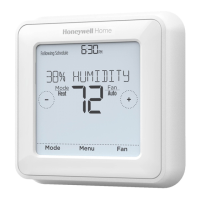
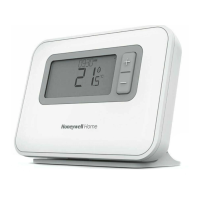
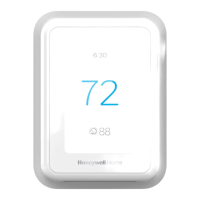
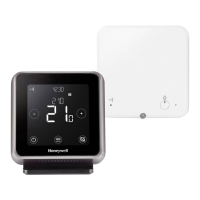
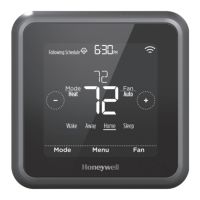
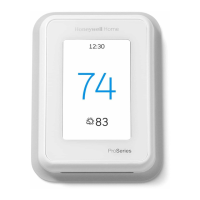
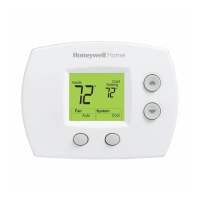
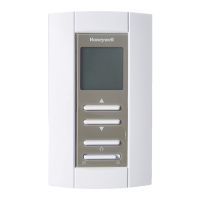
1. Press + or – to adjust the temperature.
2. TEMPORARY HOLD is displayed and the setpoint temperature flashes. While it’s flashing, press the Hold (Mode)
button to change to Permanent Hold.
3. To cancel the Permanent Hold, press + or – and then press Cancel.
Setting degrees Fahrenheit (F) or Celcius (C)
1. Press Menu.
2. Press + or – to go to F/C. Press Select.
3. Press + or – for F or C. Then press Select.
4. Press Select to save and exit the F/C menu.
Adjusting keypad lockout
1. Press Menu on the thermostat.
2. Press +or – to go to LOCK. Press Select.
3. Press + or – to go to OFF, PART, or ON, and then press Select.
OFF: Unlocked, and full access allowed.
PART: Partial lockout, allowing only the temperature to be changed.
ON: No access allowed.
4. To unlock the keypad, press the CENTER button and then enter the password
“1234”. To enter the password, press + or – change the first digit of the number. Then press Select. Repeat this
process to enter the second through fourth digits of the number. Once all four numbers have been entered, press
Select again.
5. This will unlock the keypad.
6. If the code is incorrect, the screen will flash the lines “–“.
7. Press Back to go back a step to enter the correct number and press Select.
NOTE: On some models, the keypad lockout setting is only available in the installer menu and not available in the user
menu.
Adjusting idle backlight display brightness
1. Press Menu on the thermostat.
2. Press + or – go to LITE. Press Select.
3. The current brightness setting is displayed (1-5).


 To Next Page
 Loading...