8
Setting the system mode
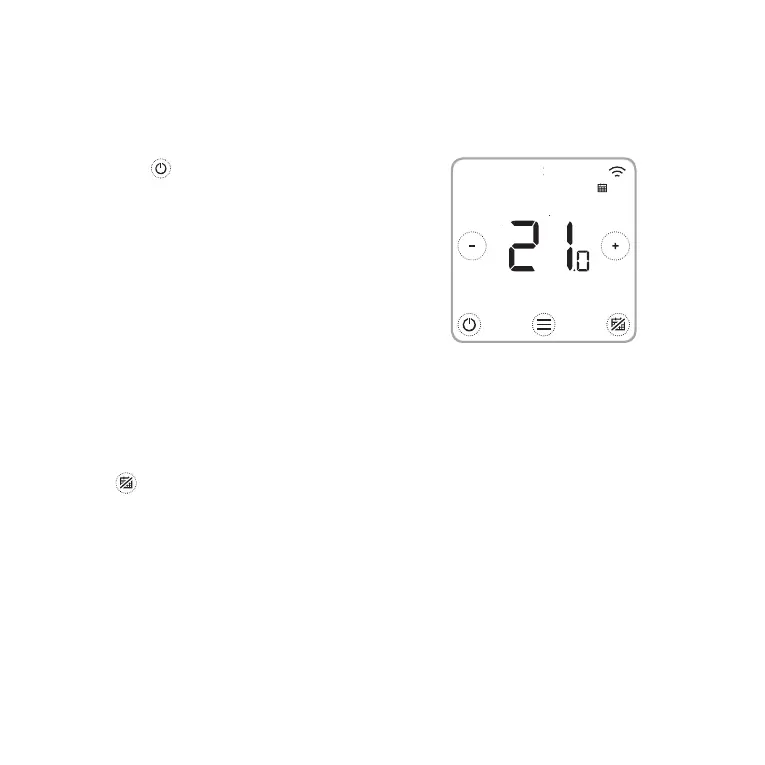
• When the button is touched, the Thermostat
toggles the system Heating or Off.
• The available modes are:
- Heating On: Controls the heating
system to achieve desired temperature.
- Off
Your Thermostat can switch heating equipment on or off, to effectively manage your
comfort depending on the indoor condition and your preferred temperature.
Turn the heating schedule On/Off
Your Thermostat is a programmable thermostat with a schedule, but the schedule can also
be turned off.
• Touch
to deactivate or activate the Heating schedule.
Schedule options
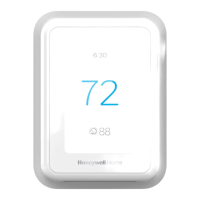
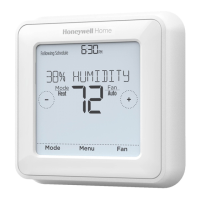
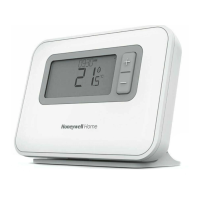
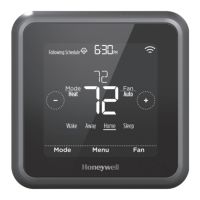
Your T6/T6R Smart Thermostat has three schedule types:
• Daily (7- day) : Individual program for each day of the week.
• Week + Weekend : Individual program for weekdays and weekend.
• Geofence : Location based temperature control.
Can only be enabled and configured using the Honeywell Home App.


 To Next Page
 Loading...