9
Preset energy-saving schedules
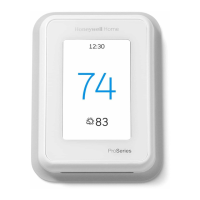
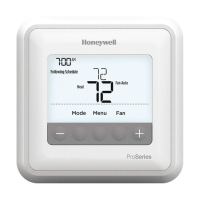
Your T6/T6R Thermostat comes with the following default schedule. To change
these settings go to ‘Adjusting program schedules’ on the next page.
MonFri Sat + Sun
Period Time Temperature Time Temperature
1 6:30 - 8:00 19 °C 8:00 - 10:00 19 °C
2 8:00 - 18:00 16 °C 10:00 - 17:00 16 °C
5 18:00 - 22:30 21 °C 17:00 - 23:00 21 °C
6 22:30 - 6:30 16 °C 23:00 - 8:00 16 °C
For more scheduling options, go to your Honeywell Home App.
Setting the holiday mode
This feature helps you save energy while you are away for longer periods,
and restores comfortable settings just before you return home.
• To activate your holiday period, in your Honeywell Home App go to
Menu/Setting/Holiday
• HOLIDAY is indicated on the Thermostat.
• You can cancel Holiday Mode either on the Thermostat
or in the Honeywell Home App.
Touch
on your Thermostat home screen to
resume the regular program schedule.


 To Next Page
 Loading...