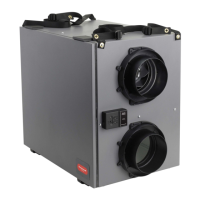
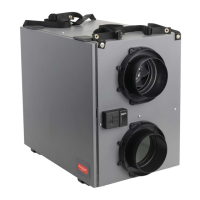
TrueFRESH™ ERV/HRV Ventilation Systems 69-2480EF—17 35
1. Disconnect the AC power from the unit or the
wall.
2. Open the side door panel by opening the two
latches on the top of the side panel and lowering
the panel to its fully open position Remove both
ltersfromthetopleftandrightsidesofthe
Core,thenvacuumbothlters.
Slide out the Core, and clean according to the
instructions on the previous page.
3. Clean inside of unit with a damp cloth and wipe
drywhennished.
4. ReplacetheCoreandthetwolters,re-latchthe
side panel, then reconnect the AC power to the
unit.
Cleaning Steps



 To Next Page
 Loading...