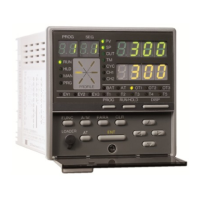
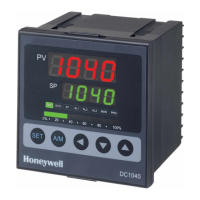
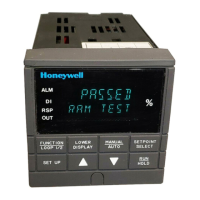
2 FRONT PANEL CONTROLS,
INDICATORS AND DISPLAYS
2.1 CONTROLS
2-1
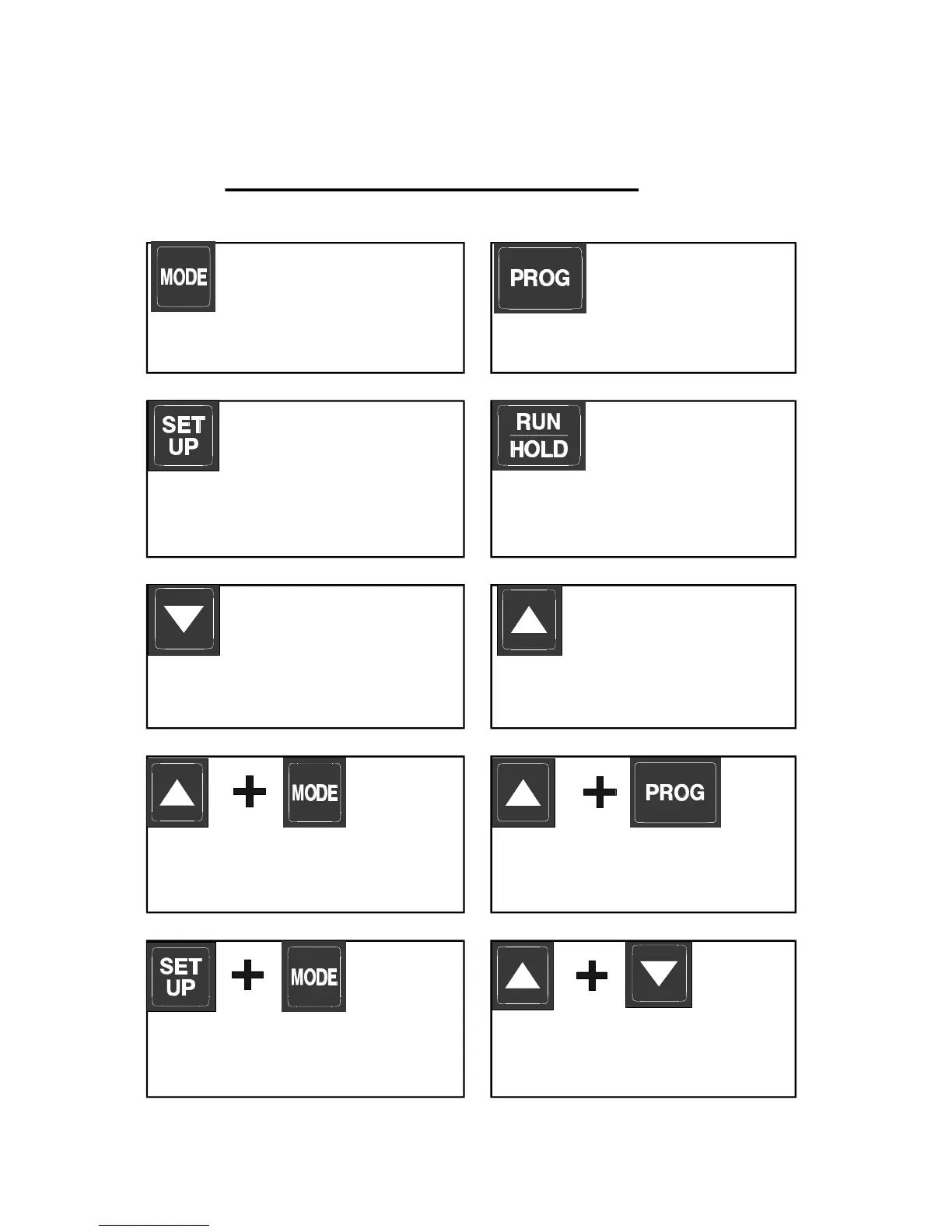
Figure 2-1 Front Panel Con trols
MODE key
Changes mode of instrument.
SET UP key
Displays the next parameter in
sequence (indicated by Message
display - see Subsection 2.3).
Up key
Increments displayed parameter
value/cycles through options.
Down key
Decrements displayed parameter
value/cycles through options.
Program key
Cycles through Program
Numbers.
Run/Hold key:
Runs, holds or aborts current
program.
Selects/de-selects Self-Tune and
Pre-Tune (when Message Display
shows appropriate message).
Jumps to next segment, when a
program is running.
Selects/de-selects Manual Control
(see Section 7).
Sets a segment to Soak when
defining a program.



 To Next Page
 Loading...