24
Setting Up the Camera
There are two aspects of adjusting the camera: adjusting the field of view
and focusing. Before you do either, you must connect a spot monitor to the
camera and remove the lens cap.
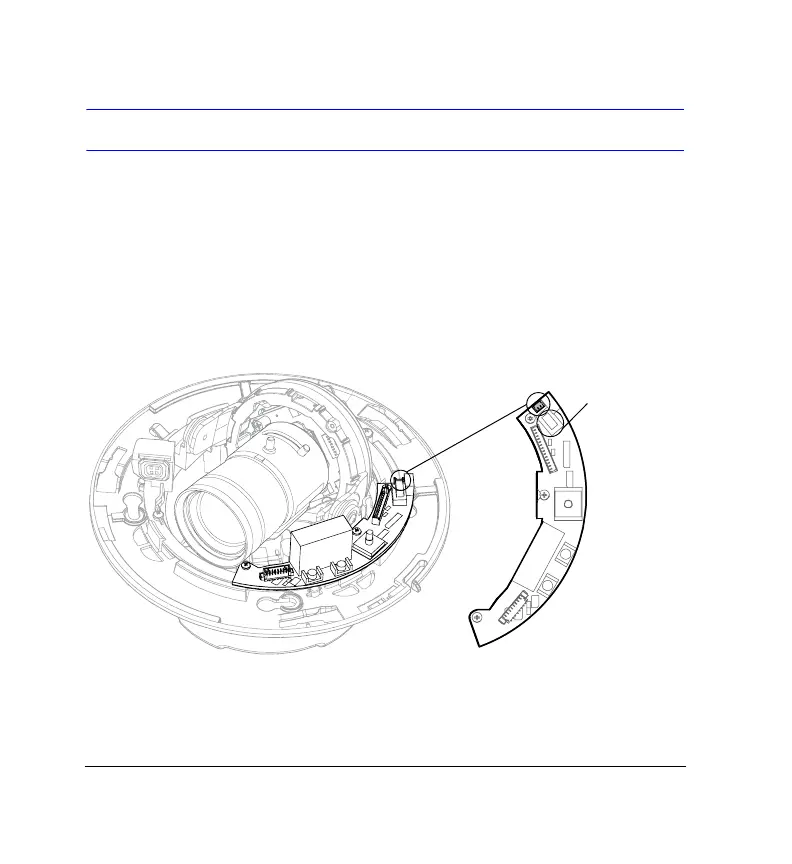
Connecting a Spot Monitor
Connect the second video cable (supplied in the Accessories package) to the
output connector and to the spot monitor
.
Note If you have an HD5U and the picture is scrambled, check the
PAL/NTSC switch and set it to your preferred format.
NTSC/PAL
Switch



 To Next Page
 Loading...





